Track copay assistance renewals before they lapse for oncology patients
Every Monday, WebRun reviews your NextGen patient records and a Google Sheet of active copay assistance enrollments to identify oncology patients whose program benefits expire within 60 days, and flags each for your financial counselor to initiate a renewal before coverage lapses and out-of-pocket costs spike.
- No credit card
- Under $0.01 per run
- Cancel anytime
How do I automatically track copay assistance renewal deadlines for oncology patients in NextGen?
WebRun reviews your NextGen patient records and the copay assistance enrollment tracker in Google Sheets every Monday, flags oncology patients whose program benefits expire within 60 days, and surfaces lapsed enrollments for immediate counselor action. Your financial counselor opens the week with a clear, current list of renewals to action before costs rise for any patient.
- No oncology patient loses copay assistance coverage due to a missed renewal
- Financial counselor sees a current list of upcoming and lapsed renewals every Monday
- Renewal applications and patient outreach remain with the human counselor at all times
Built for oncology financial counselors · cancer center patient financial services · oncology practice billing teams
What does WebRun do on every run?
The exact actions WebRun takes, in order - in plain language, so you can adjust anything.
-
WebRun signs in and gets to work
Opens
www.nextgen.comin a real browser with your saved login - no setup, no API keys. -
1
NextGen - review active oncology patients and their assistance program notes
nextgen.com How to Automate NextGen
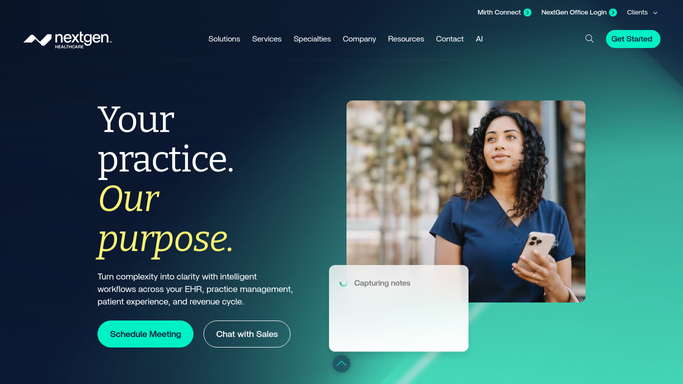
WebRun opens NextGen to review active oncology patients and their assistance program notes. - Open NextGen and pull active oncology patients who have a copay assistance or manufacturer support program noted in their financial record
- Capture the patient MRN, program name, enrollment date, and any noted expiry or renewal date
- Flag patients whose notes indicate the program requires annual or cycle-based renewal
Done when All active oncology patients enrolled in copay assistance programs are identified with their enrollment details.
-
2
Google Sheets - cross-reference enrollment expiry dates and flag renewals due
google.com How to Automate Google Sheets

WebRun opens Google Sheets to cross-reference enrollment expiry dates and flag renewals due. - Open the Copay Assistance Renewal Tracker in Google Sheets
- Update each patient row with the current enrollment status pulled from NextGen
- Flag rows where the expiry date falls within the next 60 days as Renewal Due
- Flag rows where the expiry date has already passed as Lapsed and prioritize them for immediate counselor action
Done when The Sheet shows all upcoming and lapsed renewals with current status and counselor action required.
How is each run configured?
Secure by default
Connect once, stays signed in
WebRun signs in once and keeps each session in a persistent environment, so every run picks up right where it left off.
Every action is checked against this policy before it runs.
Questions, answered
Will it contact patients or submit renewal applications automatically?
No. Renewal submissions and patient outreach are handled by your financial counselor. WebRun flags and organizes the renewals due. Every application and patient contact goes through a human for review and approval.
How does it know when each program expires?
It reads the expiry dates your financial team records in NextGen and in the Google Sheet tracker. Keeping those dates current ensures the weekly run flags renewals at the right time.
What if a program uses a different renewal cycle, such as quarterly instead of annual?
You can add a renewal frequency column to the Google Sheet at setup. The weekly run uses the noted frequency to calculate the next renewal date rather than assuming an annual cycle.
Related templates
Put this on autopilot.
Turn it on in minutes - or have our team set it up for you.