Draft patient balance reminders for staff review before sending
Every Monday, WebRun opens NextGen, identifies oncology patients with outstanding balances past their due date, drafts a respectful balance reminder for each account, and logs every draft to a Google Sheet for your billing team to review and approve before any patient communication goes out.
- No credit card
- Under $0.01 per run
- Cancel anytime
How do I automatically draft oncology patient balance reminders for staff review in NextGen?
WebRun pulls outstanding oncology patient balances from NextGen every Monday, skipping anyone on a payment plan or financial assistance review, and drafts a respectful reminder for each remaining account. All drafts are logged to Google Sheets with a Pending status so your billing team can review and approve every message before any patient is contacted.
- Overdue balances are actioned every week without manual list-building
- No patient reminder sent without billing team review and approval
- Payment plan and financial assistance patients excluded automatically each run
Built for oncology billing teams · cancer center patient financial services · oncology practice managers
What does WebRun do on every run?
The exact actions WebRun takes, in order - in plain language, so you can adjust anything.
-
WebRun signs in and gets to work
Opens
www.nextgen.comin a real browser with your saved login - no setup, no API keys. -
1
NextGen - pull outstanding patient balances past due date
nextgen.com How to Automate NextGen
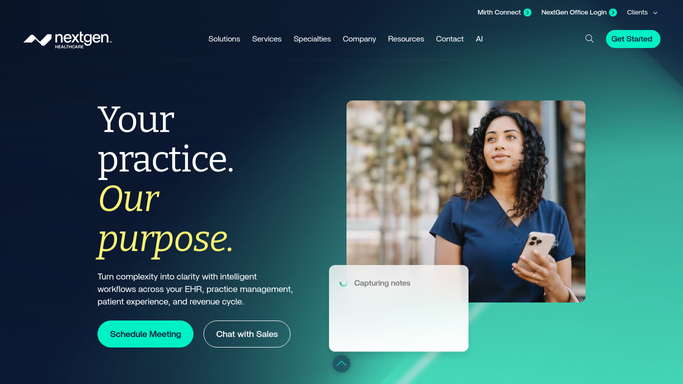
WebRun opens NextGen to pull outstanding patient balances past due date. - Open NextGen and navigate to the patient account receivable view
- Filter for oncology patients with a patient-responsibility balance that is 30 or more days past due
- Capture patient MRN, balance amount, service date, and number of days past due for each
- Exclude patients already enrolled in a payment plan or flagged for financial assistance review
Done when Every patient with an overdue balance, excluding those with active arrangements, is identified.
-
2
Google Sheets - log draft reminders for billing team review
google.com How to Automate Google Sheets

WebRun opens Google Sheets to log draft reminders for billing team review. - Open the Patient Balance Reminder Drafts Sheet
- Add a row for each patient with their MRN, balance, days past due, and a draft reminder message
- Set the Status column to 'Pending Billing Team Review' for every new draft
- Flag balances over a configured amount for a personal call rather than a written reminder, per your policy
Done when All draft reminders are logged with Pending status and no message has been sent to any patient.
How is each run configured?
Secure by default
Connect once, stays signed in
WebRun signs in once and keeps each session in a persistent environment, so every run picks up right where it left off.
Every action is checked against this policy before it runs.
Questions, answered
Will it send balance reminders to patients automatically?
No. Patient balance communications involve PHI and must be reviewed before sending. Every draft is queued in Google Sheets with a Pending status, and your billing team approves and sends each one manually.
How does it handle patients on payment plans?
Patients with an active payment plan or a financial assistance flag in NextGen are automatically excluded from the weekly run, so they never appear in the reminder queue.
Can it flag accounts that need a phone call instead of a written reminder?
Yes. You configure a balance threshold at setup. Accounts above that amount are flagged in the Sheet as 'Call Recommended' rather than receiving a written draft, matching your patient communication policy.
Related templates
Put this on autopilot.
Turn it on in minutes - or have our team set it up for you.