Hand off new OnceHub bookings to the right rep
Every hour, WebRun opens OnceHub, checks for new bookings made since the last run, logs each one into Google Sheets with the visitor's details and routing answers, and drafts a Gmail introduction handing the meeting to the assigned rep, left for that rep to review and send.
- No credit card
- Under $0.01 per run
- Cancel anytime
How do I hand off new OnceHub bookings to the right sales rep?
WebRun checks OnceHub every hour for new bookings, logs each one into Google Sheets with the visitor's routing answers, and drafts a Gmail introduction handing the meeting to the rep OnceHub assigned. Nothing sends automatically, the rep reviews and sends it, so every booking gets a logged record and a prepared handoff within the hour.
- Every booking is logged and handed off within the hour
- Reps arrive at meetings already briefed on the routing answers
- No booking sits in OnceHub without a rep notified
Built for Sales development teams · inside sales · demo scheduling teams · revenue operations
What does WebRun do on every run?
The exact actions WebRun takes, in order - in plain language, so you can adjust anything.
-
WebRun signs in and gets to work
Opens
oncehub.comin a real browser with your saved login - no setup, no API keys. -
1
OnceHub - find new bookings
oncehub.com
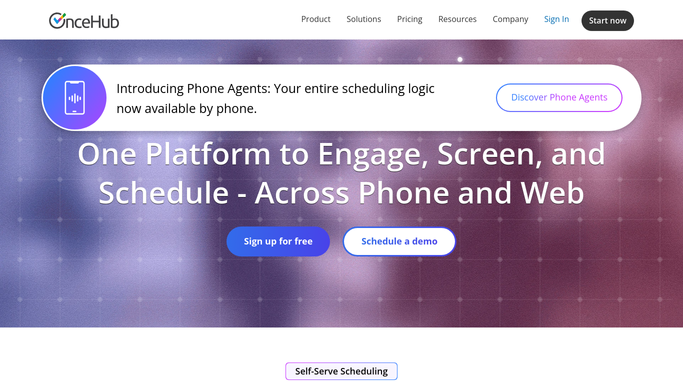
WebRun opens OnceHub to find new bookings. - Open OnceHub and check bookings made since the last run
- Read the visitor's contact details and any routing or qualification answers
- Note which rep the booking was routed to
Done when Every new booking since the last check has been read.
-
2
Google Sheets - log the booking details
google.com How to Automate Google Sheets

WebRun opens Google Sheets to log the booking details. - Open the bookings tracker sheet
- Add one row per booking with the visitor, time, and routing answers
- Mark the assigned rep in its own column
Done when Every new booking has a row in the sheet.
-
3
Gmail - draft the rep introduction
gmail.com How to Automate Gmail

WebRun opens Gmail to draft the rep introduction. - Draft an introduction email handing the meeting to the assigned rep
- Summarize the visitor's routing answers so the rep arrives prepared
- Leave the draft in Gmail for the rep to review and send
Done when Every new booking has a drafted handoff email waiting.
How is each run configured?
Secure by default
Connect once, stays signed in
WebRun signs in once and keeps each session in a persistent environment, so every run picks up right where it left off.
Every action is checked against this policy before it runs.
Questions, answered
Will the handoff email send without a rep checking it?
No. WebRun only drafts the email in Gmail. The assigned rep reviews and sends it themselves, nothing goes out automatically.
How does it decide which rep gets the booking?
It reads the routing the visitor already went through in OnceHub, so the handoff always matches the rep OnceHub itself assigned.
Could a booking get logged or drafted twice?
No. It only processes bookings made since its last check, so each one gets exactly one row and one drafted handoff.
Related templates
Put this on autopilot.
Turn it on in minutes - or have our team set it up for you.