Alert the operator when an AFE runs over
Every morning, WebRun opens Petrofly, reads the actual and committed costs booked against each active AFE, compares them to the AFE budget in Excel, works out which authorizations are trending over, and sends the operator a Telegram alert of the AFEs at risk of an overrun.
- No credit card
- Under $0.01 per run
- Cancel anytime
How do I alert the operator when an AFE is running over budget automatically?
Every morning, WebRun opens Petrofly to read the actual and committed costs against each active AFE, then compares them to the AFE budget in Excel and projects the final cost. It sends the operator a Telegram alert of the AFEs trending over their authorization, so an overrun is caught early, before a supplemental AFE is needed.
- AFE overruns surface days early, not at final cost
- The operator sees spend against authorization every morning
- Supplemental AFEs are raised on time instead of after the overrun
Built for oil and gas operators · drilling and completions teams · revenue accountants · upstream producers
What does WebRun do on every run?
The exact actions WebRun takes, in order - in plain language, so you can adjust anything.
-
WebRun signs in and gets to work
Opens
petrofly.comin a real browser with your saved login - no setup, no API keys. -
1
Petrofly - read actual AFE costs
petrofly.com How to Automate Petrofly
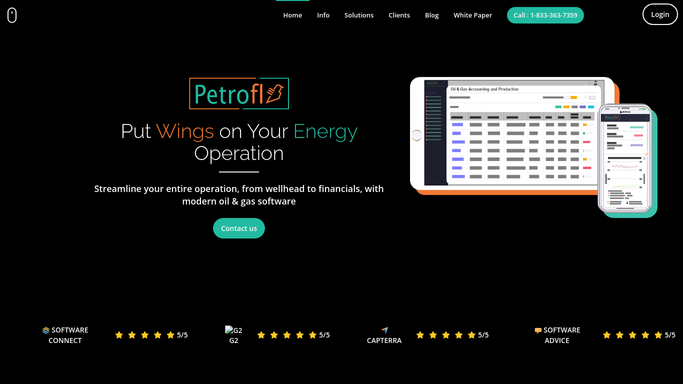
WebRun opens Petrofly to read actual and committed costs against each AFE. - Open Petrofly and read the actual and committed costs booked against each active AFE
- Capture the AFE number, the well, and the spend to date by cost category
- Note the percent of the authorized amount spent for each AFE
Done when Spend to date has been captured for every active AFE from Petrofly.
-
2
Excel - compare to the AFE budget
microsoft.com How to Automate Excel

WebRun compares each AFE's spend against its authorized budget in Excel. - Open the AFE budget workbook and match each AFE to its authorized amount
- Compare spend to date against the budget and project the final cost
- Flag any AFE trending over its authorization or past your warning threshold
Done when Every active AFE has a spend-versus-budget position and an over or under flag.
-
3
Telegram - alert the operator
telegram.org How to Automate Telegram

WebRun sends the operator the day's AFE overrun alert on Telegram. - Send the operator a short alert of the AFEs trending over budget
- Show the authorized amount, spend to date, and the projected overrun for each
- Keep it an internal alert for the operator, with no message to any partner
Done when The operator has today's AFE overrun alert on Telegram.
How is each run configured?
Secure by default
Connect once, stays signed in
WebRun signs in once and keeps each session in a persistent environment, so every run picks up right where it left off.
Every action is checked against this policy before it runs.
Questions, answered
Does it send anything to the working interest partners?
No. WebRun sends the overrun alert only to the operator on Telegram. It never messages a partner about an AFE; billing a supplemental to partners stays a decision the operator makes.
Is it safe to auto-send the alert to Telegram?
Yes. The alert is an internal heads-up for the operator, so WebRun sends it on its own each morning. No partner is contacted and no charge is made, so there is nothing to approve.
How does it know an AFE is trending over?
It reads the spend to date in Petrofly, compares it to the authorized budget in Excel, and projects the final cost, so an AFE past your warning threshold is flagged before it needs a supplemental.
Related templates
Put this on autopilot.
Turn it on in minutes - or have our team set it up for you.