Prompt clients to renew their nutrition program on time
Every morning, WebRun opens Nutrium, finds clients whose current nutrition program ends within the next 14 days, drafts a personalised renewal reminder for each, queues the messages in Gmail for your review, and posts a renewal pipeline summary to Slack.
- No credit card
- Under $0.01 per run
- Cancel anytime
How do I automatically remind nutrition clients to renew their program?
WebRun opens Nutrium every morning, finds every client whose nutrition program ends within 14 days, and drafts a personalised renewal reminder for each in Gmail. A Slack summary shows the full renewal pipeline ranked by urgency so you can approve and send the most time-sensitive messages first and keep every client on a continuous care plan.
- Clients are prompted to renew two weeks before their program ends
- Continuity of care is maintained without manual calendar monitoring
- Renewal conversations happen at exactly the right moment in the client journey
Built for registered dietitians · nutrition coaches · private nutrition practices · group nutrition programs
What does WebRun do on every run?
The exact actions WebRun takes, in order - in plain language, so you can adjust anything.
-
WebRun signs in and gets to work
Opens
nutrium.comin a real browser with your saved login - no setup, no API keys. -
1
Nutrium - find programs expiring soon
nutrium.com
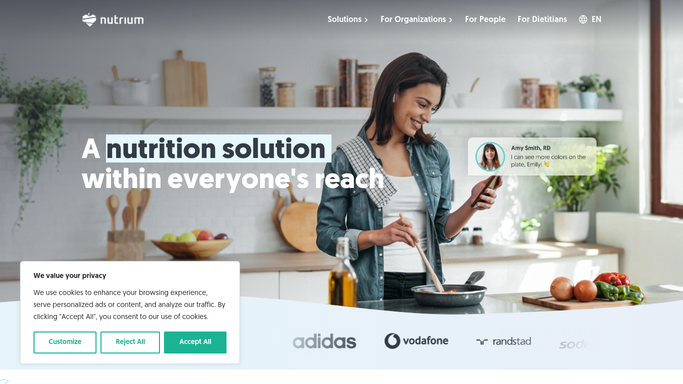
WebRun opens Nutrium to find programs expiring soon. - Open Nutrium and navigate to the client list
- Filter to clients whose current program end date falls within the next 14 days
- Note each client's name, program name, end date, and progress achieved
- Skip clients who already have a renewal or follow-up appointment booked
Done when Every client with a program ending within 14 days is listed with their program details and progress.
-
2
Gmail - draft personalised renewal reminders
gmail.com How to Automate Gmail

WebRun opens Gmail to draft personalised renewal reminders. - Draft a personalised renewal reminder for each client noting their progress and the program end date
- Include a brief description of the next-step program option and a scheduling link
- Save every message as a Gmail draft, unsent, for your review and approval
Done when One drafted renewal reminder per expiring-program client is queued in Gmail.
-
3
Slack - post the renewal pipeline to you
slack.com How to Automate Slack

WebRun opens Slack to post the renewal pipeline to you. - Post a renewal pipeline summary to your Slack channel listing each client, their program end date, and days remaining
- Flag clients with fewer than 7 days left at the top of the list
Done when You have today's renewal pipeline in Slack with the most urgent cases at the top.
How is each run configured?
Secure by default
Connect once, stays signed in
WebRun signs in once and keeps each session in a persistent environment, so every run picks up right where it left off.
Every action is checked against this policy before it runs.
Questions, answered
Will it email clients about renewing their program on its own?
No. Every renewal reminder is saved as a Gmail draft and left unsent. You review and personalise each message before any client receives it.
What if the client already booked a renewal appointment?
WebRun checks whether a follow-up appointment exists in Nutrium before drafting. Clients who already have a next session booked are skipped automatically.
Can I offer different renewal programs to different clients?
Yes. You can tell WebRun which clients should be offered which program tier and it will tailor the renewal offer in each draft accordingly.
Related templates
Put this on autopilot.
Turn it on in minutes - or have our team set it up for you.