Remind clients to use their session credits before they expire
Every morning, WebRun opens Practice Better, finds every client package expiring within the next 14 days, drafts a personalised reminder for each client, queues the messages in Gmail for your review, and posts a summary list to Slack so you know who is approaching expiry.
- No credit card
- Under $0.01 per run
- Cancel anytime
How do I remind nutrition clients about expiring session packages?
WebRun opens Practice Better each morning, finds every client package expiring within 14 days, and drafts a personalised reminder for each client in Gmail. A Slack list shows the most urgent cases at the top, so you can approve reminders quickly and ensure no client loses sessions they have already paid for.
- Clients use their purchased sessions before they lapse
- Renewal conversations happen naturally before packages expire
- No manual scanning of Practice Better packages each morning
Built for registered dietitians · nutrition coaches · private nutrition practices · group nutrition programs
What does WebRun do on every run?
The exact actions WebRun takes, in order - in plain language, so you can adjust anything.
-
WebRun signs in and gets to work
Opens
practicebetter.ioin a real browser with your saved login - no setup, no API keys. -
1
Practice Better - find packages expiring soon
practicebetter.io
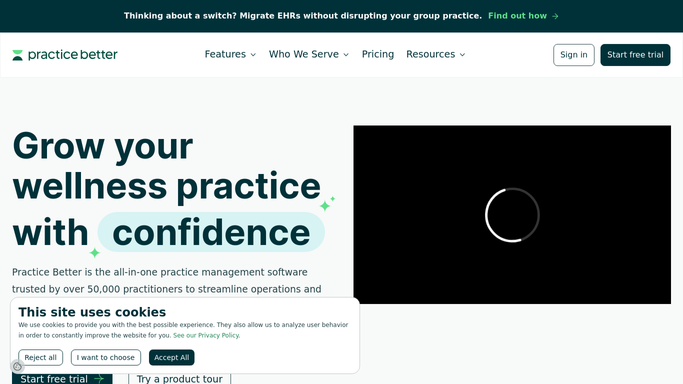
WebRun opens Practice Better to find packages expiring soon. - Open Practice Better and navigate to the Packages section
- Filter to client packages expiring within the next 14 days
- Note the client name, package name, sessions remaining, and expiry date for each
- Skip packages already flagged in a previous run this week
Done when Every package expiring within 14 days is listed with its client details and sessions remaining.
-
2
Gmail - draft expiry reminders for review
gmail.com How to Automate Gmail

WebRun opens Gmail to draft expiry reminders for review. - Draft a friendly expiry reminder for each client noting their remaining sessions and the expiry date
- For clients with more than 2 sessions remaining, include a soft prompt to book soon
- Save every message as a Gmail draft, unsent, for your review
Done when One drafted expiry reminder per client sits in Gmail ready for your approval.
-
3
Slack - report the expiry list to you
slack.com How to Automate Slack

WebRun opens Slack to report the expiry list to you. - Post a Slack summary listing each expiring package with client name, sessions remaining, and days until expiry
- Highlight any packages expiring in fewer than 7 days at the top of the list
Done when You have today's expiry list in Slack with the most urgent cases prioritised.
How is each run configured?
Secure by default
Connect once, stays signed in
WebRun signs in once and keeps each session in a persistent environment, so every run picks up right where it left off.
Every action is checked against this policy before it runs.
Questions, answered
Will it email clients about expiring packages on its own?
No. Every reminder is drafted in Gmail and left unsent until you review and approve it. No client receives a message without your sign-off.
Can it remind the same client more than once?
You control the cadence. By default WebRun flags each package once per week, so clients are not bombarded, but you can adjust the frequency in your setup.
Will it catch packages that expire with sessions still unused?
Yes. WebRun notes the sessions remaining on every expiring package, so you can see at a glance which clients risk losing the most value and prioritise those reminders first.
Related templates
Put this on autopilot.
Turn it on in minutes - or have our team set it up for you.