Get an instant alert if Norton protection turns off
Every hour, WebRun checks your Norton 360 devices for real-time protection that's been turned off or a threat left unresolved, sends a Telegram alert naming the device, and escalates by Twilio text if the issue is still open at the next check.
- No credit card
- Under $0.01 per run
- Cancel anytime
How do I know right away if Norton protection gets turned off on a device?
WebRun checks your Norton 360 devices every hour for real-time protection turned off or a threat left unresolved, sends a Telegram alert naming the device, and escalates by Twilio text if the same issue is still open an hour later. It never re-enables protection or resolves a threat itself, only reports it.
- Protection gaps get flagged within the hour, not at the next manual check
- Unresolved issues escalate automatically instead of sitting quietly
- Routine scans never trigger a false alarm
Built for small business owners · IT admins · families managing shared devices · managed service providers
What does WebRun do on every run?
The exact actions WebRun takes, in order - in plain language, so you can adjust anything.
-
WebRun signs in and gets to work
Opens
my.norton.comin a real browser with your saved login - no setup, no API keys. -
1
Norton - check protection status
norton.com
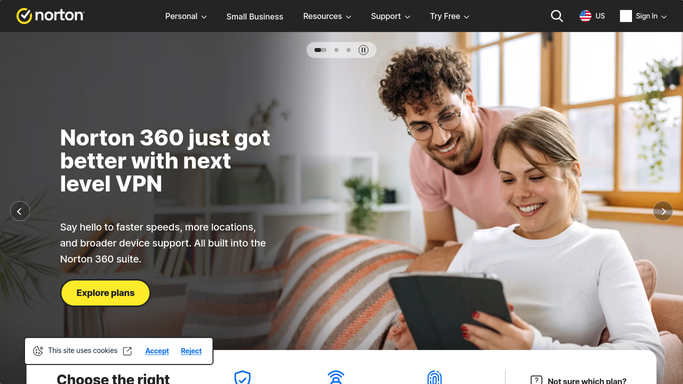
WebRun opens Norton to check protection status. - Open Norton 360 and check real-time protection status for every device
- Note any device with protection turned off or a threat left unresolved
- Record how long each issue has been open
Done when Every device's protection status has been checked this hour.
-
2
Telegram - alert on the issue
telegram.org How to Automate Telegram

WebRun opens Telegram to alert on the issue. - Send a Telegram alert naming the device and the issue
- Include how long it has been open
- Send nothing when every device is protected
Done when Every open issue has a Telegram alert.
-
3
Twilio - escalate if still unresolved
twilio.com How to Automate Twilio

WebRun opens Twilio to escalate if still unresolved. - Send a text through Twilio only if the same issue is still open at the next hourly check
- Name the device and the issue in the text
- Stop escalating once the issue clears
Done when Any issue still open after an hour has triggered a Twilio escalation.
How is each run configured?
Secure by default
Connect once, stays signed in
WebRun signs in once and keeps each session in a persistent environment, so every run picks up right where it left off.
Every action is checked against this policy before it runs.
Questions, answered
Does WebRun turn protection back on itself?
No. WebRun only detects and alerts on the issue. Turning protection back on or resolving a threat is a step you or the device user take.
Will I get an alert for every routine scan?
No. It only alerts when real-time protection is off or a threat is unresolved, not for normal scan activity.
Who receives the alerts?
Only you, through Telegram and, if needed, Twilio. WebRun never contacts the device user directly unless that's you.
Related templates
Put this on autopilot.
Turn it on in minutes - or have our team set it up for you.