Review Mimecast's quarantine for you every day
Every morning, WebRun opens Mimecast, reviews the quarantine and held message queue for phishing and spoofing attempts, saves a copy of anything targeting a VIP to Google Drive, and texts you the moment a spoofed executive or vendor email appears.
- No credit card
- Under $0.01 per run
- Cancel anytime
How do I review Mimecast's quarantine queue without missing a spoofed VIP email?
WebRun checks Mimecast's quarantine queue every morning for phishing and spoofing attempts, archives anything targeting a VIP to Google Drive, and sends a direct text the moment a spoofed executive or vendor email appears. Nothing is released, deleted, or blocked automatically, so your team reviews every held message before it moves anywhere.
- Every held message gets reviewed the same morning it arrives, not days later
- Spoofed executive or vendor emails trigger a direct text within minutes
- Flagged evidence is archived automatically for later investigation
Built for IT admins · security teams · email administrators · small business owners
What does WebRun do on every run?
The exact actions WebRun takes, in order - in plain language, so you can adjust anything.
-
WebRun signs in and gets to work
Opens
login.mimecast.comin a real browser with your saved login - no setup, no API keys. -
1
Mimecast - check the quarantine queue
mimecast.com
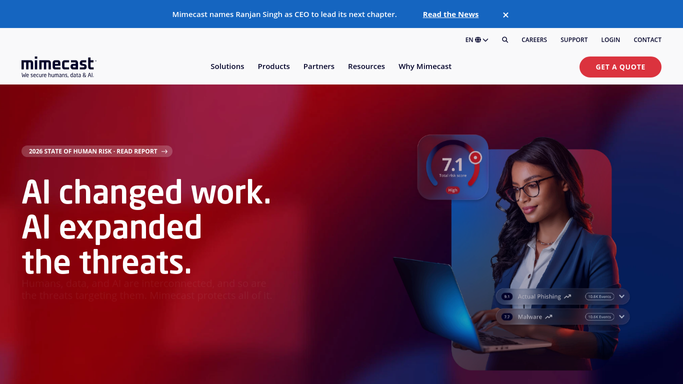
WebRun opens Mimecast to check the quarantine queue. - Open Mimecast and review messages held in quarantine
- Note the sender, subject, and hold reason for each message
- Flag any message impersonating an executive or vendor
Done when Every held message today has been reviewed and logged with its hold reason.
-
2
Google Drive - archive suspicious messages
drive.google.com How to Automate Google Drive

WebRun opens Google Drive to archive suspicious messages. - Open the security review folder in Google Drive
- Save a copy of any flagged or VIP-targeted message as evidence
- Name the file with today's date for easy reference
Done when Today's flagged messages are archived in Google Drive.
-
3
Twilio - text you about spoofed VIPs
twilio.com How to Automate Twilio

WebRun opens Twilio to text you about spoofed VIPs. - Send yourself a text the moment a spoofed executive or vendor email is found
- Name the impersonated sender and the intended target
- Stay quiet when the queue has nothing unusual
Done when Any spoofing attempt today has triggered a direct text.
How is each run configured?
Secure by default
Connect once, stays signed in
WebRun signs in once and keeps each session in a persistent environment, so every run picks up right where it left off.
Every action is checked against this policy before it runs.
Questions, answered
Does WebRun release or delete anything from quarantine?
No. WebRun only reviews and reports what is already held. Releasing a message, deleting it, or blocking a sender is left for you or your IT admin to decide.
Will it text me for every quarantined message?
No. It only sends a text when a message impersonates an executive or vendor. Routine spam and bulk mail stay in the daily review instead.
Does it read the content of my regular inbox?
No. It only reads what Mimecast already surfaces about held messages, such as sender, subject, and hold reason, not your everyday mail.
Related templates
Put this on autopilot.
Turn it on in minutes - or have our team set it up for you.