Catch Meetergo bookings that never made it to your calendar
Every morning, WebRun opens Meetergo, lists every booking made since the last run, checks Google Calendar for a matching event on the right host's calendar, and posts a Microsoft Teams alert listing any booking that's missing or shows a conflicting time.
- No credit card
- Under $0.01 per run
- Cancel anytime
How do I catch Meetergo bookings that didn't sync to my calendar?
WebRun checks Meetergo every morning for new bookings, verifies each one has a matching event on the host's Google Calendar, and posts a Microsoft Teams alert for anything missing or conflicting. Sync failures get caught the same morning instead of surfacing as a missed meeting later.
- Sync failures are caught the same morning they happen
- No booked meeting is discovered missing right before it starts
- Teams stop manually cross-checking Meetergo against the calendar
Built for sales teams · customer success teams · recruiting coordinators · operations teams
What does WebRun do on every run?
The exact actions WebRun takes, in order - in plain language, so you can adjust anything.
-
WebRun signs in and gets to work
Opens
meetergo.comin a real browser with your saved login - no setup, no API keys. -
1
Meetergo - list new bookings
meetergo.com
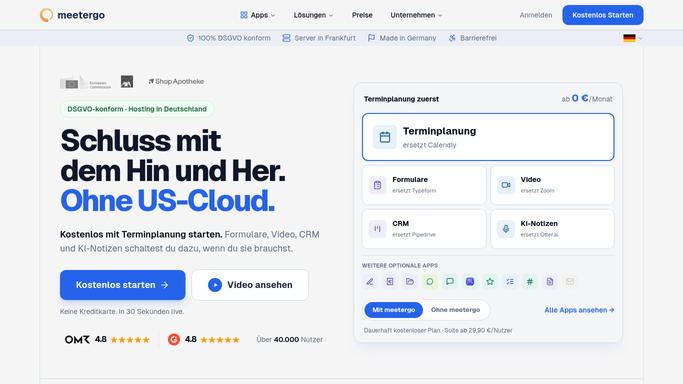
WebRun opens Meetergo to list new bookings. - Open Meetergo and list bookings made since the last run
- Capture the host, attendee, and time for each
- Note the calendar each booking should sync to
Done when Every new booking is listed with its details.
-
2
Google Calendar - check for a matching event
calendar.google.com How to Automate Google Calendar

WebRun opens Google Calendar to check for a matching event. - Check the host's calendar for a matching event at the booked time
- Flag any booking with no event or a conflicting one
- Confirm the attendee and time match what Meetergo shows
Done when Every new booking has been checked against the calendar.
-
3
Microsoft Teams - alert on any mismatch
microsoft.com How to Automate Microsoft Teams

WebRun opens Microsoft Teams to alert on any mismatch. - Post an alert listing any booking missing from the calendar
- Include any booking with a conflicting event
- Skip the alert if everything matches
Done when Any mismatch between Meetergo and the calendar has been posted to Teams.
How is each run configured?
Secure by default
Connect once, stays signed in
WebRun signs in once and keeps each session in a persistent environment, so every run picks up right where it left off.
Every action is checked against this policy before it runs.
Questions, answered
Does it create or fix the missing calendar event?
No. WebRun only checks for a mismatch and reports it in Teams. A human creates or corrects the calendar event.
Will it contact the person who booked?
No. It only posts internally to Microsoft Teams for your team. It never emails or messages the attendee.
How does it know a booking should have synced?
It reads the host and time Meetergo recorded for each booking and checks that exact combination against the host's Google Calendar, so the comparison is always against real data.
Related templates
Put this on autopilot.
Turn it on in minutes - or have our team set it up for you.