Start every day knowing exactly what is on the schedule and where the gaps are
Every morning, WebRun opens MassageBook, reads today's full appointment schedule, identifies open slots and lightly booked therapists, and posts a structured daily digest to your Slack channel so your whole team starts the day with a clear picture.
- No credit card
- Under $0.01 per run
- Cancel anytime
How do I get a daily massage schedule digest with gaps sent to my team?
WebRun opens MassageBook every morning at 7:30 AM, reads the full appointment schedule, identifies open gaps and lightly booked therapists, and posts a clean structured digest to your Slack channel. Your whole team starts the day with a single, up-to-date view of confirmed bookings and fill opportunities.
- The team starts every day with a complete, accurate picture of the schedule
- Open slots and lightly booked therapists are surfaced before the day begins
- No client data is shared externally. Digest stays internal to Slack
Built for massage therapy clinic managers · spa operations teams · multi-therapist wellness studios · front-desk coordinators
What does WebRun do on every run?
The exact actions WebRun takes, in order - in plain language, so you can adjust anything.
-
WebRun signs in and gets to work
Opens
www.massagebook.com/businessin a real browser with your saved login - no setup, no API keys. -
1
MassageBook - read today's appointment schedule
massagebook.com
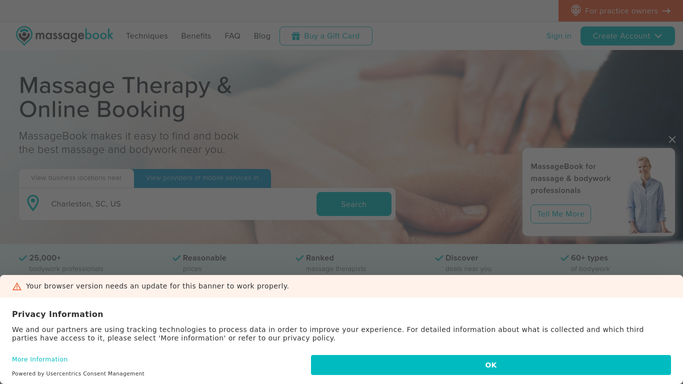
WebRun opens MassageBook to read today's appointment schedule. - Open MassageBook and navigate to today's appointment calendar
- Read the full schedule: confirmed appointments, therapist assignments, service types, and time slots
- Identify any open gaps of 30 minutes or more between booked slots
- Flag therapists with fewer than two appointments today as lightly booked
Done when Today's full schedule, open gaps, and lightly booked therapists are captured.
-
2
Slack - post the daily schedule digest
slack.com How to Automate Slack

WebRun opens Slack to post the daily schedule digest. - Post a clean daily digest to the team Slack channel with confirmed appointment count, open slot count, and a list of gaps by therapist and time
- Highlight lightly booked therapists so the team can proactively fill their schedule
- Include a link to the MassageBook calendar for one-click access
Done when Today's schedule digest is live in Slack and the team can see the full picture.
How is each run configured?
Secure by default
Connect once, stays signed in
WebRun signs in once and keeps each session in a persistent environment, so every run picks up right where it left off.
Every action is checked against this policy before it runs.
Questions, answered
Does this send anything to clients?
No. This is a purely internal digest posted to your Slack channel. No client-facing messages are sent at any point.
What counts as a gap in the schedule?
By default, any open slot of 30 minutes or more between booked appointments is flagged. You can set a different minimum duration to match your booking increments.
Can it cover multiple locations or rooms?
Yes. If your MassageBook account has multiple therapists, rooms, or locations, it will include all of them in the digest so you get the full picture.
Related templates
Put this on autopilot.
Turn it on in minutes - or have our team set it up for you.