Get a weekly scorecard of your Logz.io observability health
Every Monday, WebRun opens Logz.io, reviews the past week's error rate trend and top recurring issues across applications, posts a Microsoft Teams scorecard, and books the weekly ops review slot on Google Calendar with the scorecard attached, so observability health gets a standing weekly conversation.
- No credit card
- Under $0.01 per run
- Cancel anytime
How do I get a weekly scorecard of my Logz.io observability health?
WebRun reviews Logz.io every Monday, tracking the week's error rate trend and top recurring issues by log volume, and posts a scorecard to Microsoft Teams against last week's numbers. It also books the weekly ops review on Google Calendar with the scorecard attached, so observability health gets a standing, well-prepared conversation instead of an ad hoc check.
- Observability health gets a standing weekly review instead of only being checked during an incident
- Top recurring issues are visible without digging through raw logs
- The ops review always starts with a prepared scorecard instead of a blank dashboard
Built for Site reliability teams · DevOps engineers · platform engineering teams · engineering managers
What does WebRun do on every run?
The exact actions WebRun takes, in order - in plain language, so you can adjust anything.
-
WebRun signs in and gets to work
Opens
app.logz.ioin a real browser with your saved login - no setup, no API keys. -
1
Logz.io - review the week's log health
logz.io
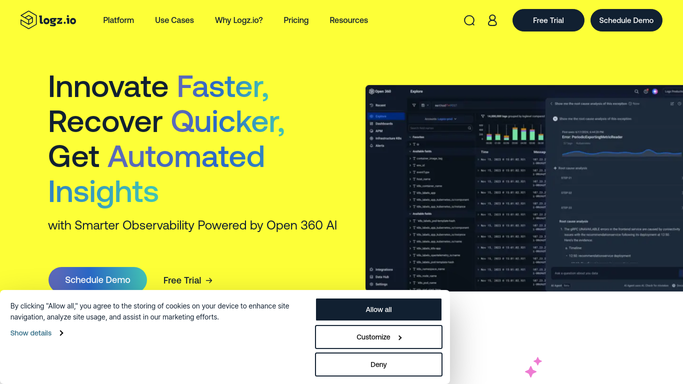
WebRun opens Logz.io to review the week's log health. - Open Logz.io and review error rate trends across applications for the past week
- Identify the top three recurring issues by log volume
- Compare this week's overall error rate against last week
Done when This week's error rate trend and top issues are recorded against last week's numbers.
-
2
Google Calendar - post the observability scorecard
calendar.google.com How to Automate Google Calendar

WebRun opens Google Calendar to schedule the ops review. - Open the team's Google Calendar
- Book or confirm the weekly ops review slot
- Attach the scorecard summary to the event notes
Done when The weekly ops review is scheduled with this week's scorecard attached.
-
3
Microsoft Teams - schedule the ops review
microsoft.com How to Automate Microsoft Teams

WebRun opens Microsoft Teams to post the observability scorecard. - Post the weekly scorecard to the engineering Microsoft Teams channel
- Show the error rate trend and the top three recurring issues
- Note whether the trend is improving or worsening
Done when The team has this week's observability scorecard in Teams.
How is each run configured?
Secure by default
Connect once, stays signed in
WebRun signs in once and keeps each session in a persistent environment, so every run picks up right where it left off.
Every action is checked against this policy before it runs.
Questions, answered
Will WebRun change any alert or dashboard configuration in Logz.io?
No. It only reads log and metrics data and reports on it. Your existing Logz.io alerts and dashboards stay exactly as configured.
How does it rank the top recurring issues?
By log volume over the past week, so the issues generating the most log noise are the ones highlighted in the scorecard.
What if the ops review slot is already booked?
It confirms the existing slot rather than double-booking, and simply attaches this week's scorecard to it.
Related templates
Put this on autopilot.
Turn it on in minutes - or have our team set it up for you.