Get a weekly scorecard of your Linktree clicks
Every Monday, WebRun opens Linktree, pulls the past week's click count for every link on the page, ranks them from best to worst, adds a calendar reminder to refresh or replace the weakest link, and posts the scorecard to Microsoft Teams.
- No credit card
- Under $0.01 per run
- Cancel anytime
How do I track which Linktree links are performing each week?
WebRun checks your Linktree page every Monday, pulls the past week's click count for every link, and ranks them from best to worst. It adds a calendar reminder to refresh the weakest link and posts the full scorecard to Microsoft Teams, so you always know which links are working before you plan next week's content.
- Weak links get flagged and refreshed before they cost you clicks
- The team sees a ranked scorecard every Monday without opening analytics
- Link performance history builds automatically week over week
Built for Content creators · social media managers · influencers · small brands
What does WebRun do on every run?
The exact actions WebRun takes, in order - in plain language, so you can adjust anything.
-
WebRun signs in and gets to work
Opens
linktr.ee/loginin a real browser with your saved login - no setup, no API keys. -
1
Linktree - pull this week's link clicks
linktr.ee
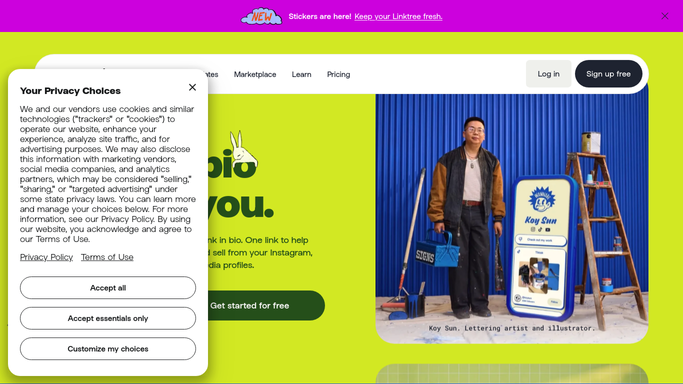
WebRun opens Linktree to pull this week's link clicks. - Open Linktree analytics and pull click counts for every link on the page
- Rank links from most to least clicked over the past 7 days
- Flag the lowest performing link and any link with zero clicks
Done when Every link has this week's click count and a rank.
-
2
Google Calendar - schedule a refresh reminder
calendar.google.com How to Automate Google Calendar

WebRun opens Google Calendar to schedule a refresh reminder. - Open Google Calendar
- Add a reminder to review or refresh the weakest performing link
- Note the current click count on the event so the review has context
Done when A refresh reminder is on the calendar for the lowest performing link.
-
3
Microsoft Teams - post the scorecard
microsoft.com How to Automate Microsoft Teams

WebRun opens Microsoft Teams to post the scorecard. - Post the ranked link scorecard to the marketing channel
- Call out the top performer and the weakest link
- Link back to the Linktree analytics page
Done when The team has this week's link scorecard in Teams.
How is each run configured?
Secure by default
Connect once, stays signed in
WebRun signs in once and keeps each session in a persistent environment, so every run picks up right where it left off.
Every action is checked against this policy before it runs.
Questions, answered
Does it change or remove any links on its own?
No. It only reads click counts and ranks them. Editing, replacing, or removing a link is always your call.
What counts as the weakest link?
The link with the fewest clicks over the past 7 days, or any link with zero clicks, gets flagged first for your review.
Will it post to Teams even if nothing changed?
Yes, it posts the scorecard every Monday regardless, so you always know how last week performed even when the ranking holds steady.
Related templates
Put this on autopilot.
Turn it on in minutes - or have our team set it up for you.