Keep lease abstract reviews from stalling
Every morning, WebRun opens Occupier, finds newly created lease abstracts still pending quality review past your turnaround target, and pings the assigned reviewer in Slack with the lease, location, and how many days it's been waiting, so abstracts don't stall before they become the system of record.
- No credit card
- Under $0.01 per run
- Cancel anytime
How do I stop lease abstract reviews from stalling?
Every morning, WebRun checks Occupier for lease abstracts still pending quality review past your turnaround target. It pings the assigned reviewer in Slack with the lease, location, and days waiting, and posts a daily rollup to the lease admin channel, so new abstracts don't stall in review before becoming the system of record.
- Overdue abstracts get a direct nudge instead of sitting quiet
- Reviewers see exactly how many days an abstract has waited
- The team gets a daily rollup of the review backlog
Built for lease administrators · lease abstraction teams · real estate operations · commercial tenants
What does WebRun do on every run?
The exact actions WebRun takes, in order - in plain language, so you can adjust anything.
-
WebRun signs in and gets to work
Opens
occupier.comin a real browser with your saved login - no setup, no API keys. -
1
Occupier - find abstracts pending review
occupier.com How to Automate Occupier
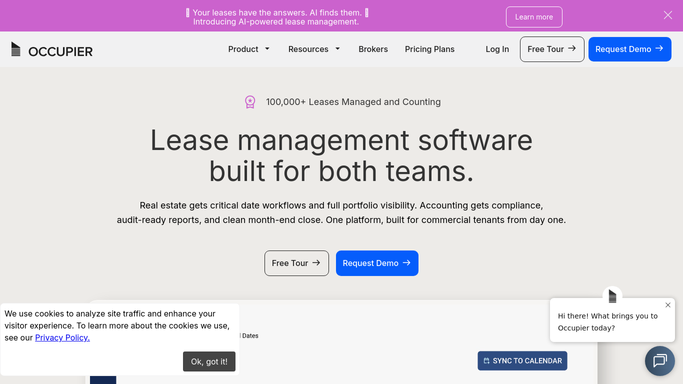
WebRun opens Occupier to find abstracts pending review. - Open Occupier and pull every lease abstract still marked pending review
- Compare each abstract's creation date against your turnaround target
- Capture the lease, location, assigned reviewer, and days pending for anything past target
Done when Every abstract pending review past target is listed with its assigned reviewer and days waiting.
-
2
Slack - nudge the assigned reviewer
slack.com How to Automate Slack

WebRun opens Slack to nudge the assigned reviewer. - Direct message or @-mention the assigned reviewer for each overdue abstract
- Include the lease, location, and how many days it's been pending
- Post a rollup to the lease admin channel of how many abstracts are currently overdue
Done when Every overdue abstract's reviewer has been pinged and the team has today's rollup.
How is each run configured?
Secure by default
Connect once, stays signed in
WebRun signs in once and keeps each session in a persistent environment, so every run picks up right where it left off.
Every action is checked against this policy before it runs.
Questions, answered
Does it finish or approve the review itself?
No. WebRun only flags which abstracts are overdue and nudges the assigned reviewer in Slack. The actual review and approval stays a human step in Occupier.
How is the turnaround target set?
You set the number of days an abstract should sit in review before it's considered overdue, and WebRun compares each abstract's creation date against that target every morning.
Will a reviewer get pinged for the same abstract every day?
Yes, until it's marked reviewed in Occupier. That's intentional: an abstract sitting unreviewed should keep surfacing, not fall off the radar after one ping.
Related templates
Put this on autopilot.
Turn it on in minutes - or have our team set it up for you.