Abstract a new lease into FinQuery without the data entry slog
When a new executed lease agreement is added to your intake tracker in Google Sheets, WebRun reads the document, extracts key accounting terms including commencement date, lease term, base rent schedule, renewal options, and incremental borrowing rate, pre-fills the FinQuery new lease record with those values as a draft, and posts a Slack notification so your accountant can review and finalize the abstraction.
- No credit card
- Under $0.01 per run
- Cancel anytime
How do I automatically abstract a new lease into FinQuery from an executed agreement?
WebRun detects new lease agreements in your Google Sheets intake tracker, extracts commencement date, lease term, payment schedule, and options from each, pre-fills a draft lease abstraction record in FinQuery, and notifies the responsible accountant in Slack with a direct link to review and finalize before any journal entries are generated.
- New lease in FinQuery as a draft within minutes of execution
- Accountant notified with a direct link for same-day review
- Unusual terms flagged automatically so nothing is missed in abstraction
Built for lease accountants · real estate finance teams · corporate controllers · lease administrators
What does WebRun do on every run?
The exact actions WebRun takes, in order - in plain language, so you can adjust anything.
-
WebRun signs in and gets to work
Opens
app.finquery.comin a real browser with your saved login - no setup, no API keys. -
1
Google Sheets - detect new lease in intake tracker
google.com How to Automate Google Sheets

WebRun opens Google Sheets to detect new lease in intake tracker. - Open the lease intake tracker in Google Sheets
- Identify any new lease agreements added since the last run
- Extract the document link and key data fields: property name, lessee, lessor, commencement date, lease term, base rent schedule, renewal options, and termination options
Done when New lease agreements are identified and key accounting terms are extracted from the intake record.
-
2
FinQuery - pre-fill new lease abstraction as draft
finquery.com How to Automate FinQuery
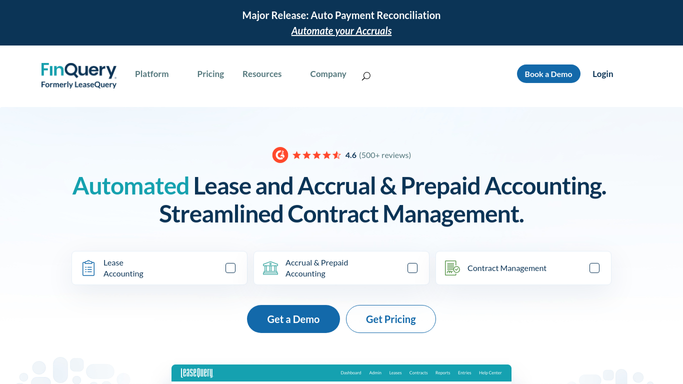
WebRun opens FinQuery to pre-fill new lease abstraction as draft. - Open FinQuery and start a new lease abstraction record
- Enter the extracted commencement date, lease term, and payment schedule into the relevant fields
- Enter renewal and termination options, lease classification inputs, and incremental borrowing rate if provided
- Save the record as a draft. Do not finalize or generate journal entries without accountant review
Done when A draft lease record is saved in FinQuery with all extracted fields populated, awaiting accountant review.
-
3
Slack - notify accountant to review and finalize
slack.com How to Automate Slack

WebRun opens Slack to notify accountant to review and finalize. - Post a notification to the lease-accounting channel that a new draft lease record is ready in FinQuery
- Include the property name, commencement date, and a direct link to the draft record
- Tag the accountant responsible for final review and abstraction sign-off
Done when The responsible accountant is notified in Slack with a link to the draft FinQuery record.
How is each run configured?
Secure by default
Connect once, stays signed in
WebRun signs in once and keeps each session in a persistent environment, so every run picks up right where it left off.
Every action is checked against this policy before it runs.
Questions, answered
Will it finalize the lease record or generate journal entries automatically?
No. WebRun creates the record as a draft and stops. Your accountant reviews the pre-filled values, makes any corrections, and finalizes the abstraction in FinQuery before any journal entries are generated.
What if the lease has unusual terms like variable rent or subleases?
WebRun extracts the standard fields and flags any unusual term it detects, such as variable payments or sublease provisions, in the Slack notification so the accountant knows to pay close attention during review.
Does it set the incremental borrowing rate automatically?
It enters the rate provided in the intake tracker if one is specified. If no rate is given, it leaves the field blank and flags it in the Slack message so the accountant can apply the correct rate before finalizing.
Related templates
Put this on autopilot.
Turn it on in minutes - or have our team set it up for you.