Assemble your lease audit evidence packets before the auditors ask
Each month during audit season, WebRun opens FinQuery and pulls the journal entries, amortization schedules, lease abstracts, and disclosure reports for the leases on your audit sample list, organizes the evidence into a structured Google Sheet packet per lease, and drafts a delivery email in Gmail for your controller to review and send to the audit team.
- No credit card
- Under $0.01 per run
- Cancel anytime
How do I automatically assemble lease audit evidence packets from FinQuery?
WebRun opens FinQuery each month during audit season, pulls the amortization schedules, journal entries, lease abstracts, and disclosure data for every lease on your audit sample list, organizes the evidence into a structured Google Sheet workbook with one tab per lease, and drafts a delivery email in Gmail for your controller to review before sending to the auditors.
- Audit evidence assembled in hours instead of days of manual file-hunting
- Missing evidence flagged before the auditors ask for it
- Controller reviews and approves before anything is shared with auditors
Built for corporate controllers · lease accountants · internal audit teams · external audit liaisons
What does WebRun do on every run?
The exact actions WebRun takes, in order - in plain language, so you can adjust anything.
-
WebRun signs in and gets to work
Opens
app.finquery.comin a real browser with your saved login - no setup, no API keys. -
1
FinQuery - pull evidence for each sampled lease
finquery.com How to Automate FinQuery
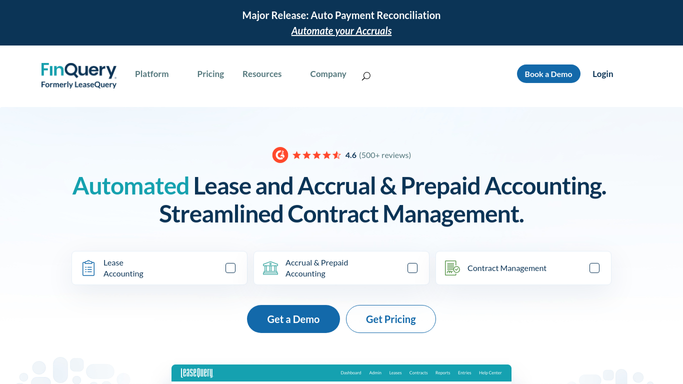
WebRun opens FinQuery to pull evidence for each sampled lease. - Open FinQuery and navigate to each lease on the audit sample list
- Export the lease abstract, amortization schedule, journal entries for the audit period, and any modification history
- Confirm the disclosure roll-forward balances tie to the general ledger for each lease
- Note any open modification or remeasurement that occurred during the audit period
Done when All required evidence items are exported for every lease on the audit sample list.
-
2
Google Sheets - organize evidence into structured packet
google.com How to Automate Google Sheets

WebRun opens Google Sheets to organize evidence into structured packet. - Open the audit evidence workbook and create a tab for each sampled lease
- Paste the amortization schedule, journal entries, and abstract data into the relevant tab
- Add a cover sheet with the lease name, period, evidence checklist, and any open items
- Flag any missing evidence item on the cover sheet
Done when The workbook has a complete, organized evidence tab for each sampled lease with all items or flags.
-
3
Gmail - draft delivery email for controller review
gmail.com How to Automate Gmail

WebRun opens Gmail to draft delivery email for controller review. - Draft an email to the audit team with the evidence workbook link and a summary of the leases covered
- Note any open items or flagged gaps in the body
- Leave the email as a draft. Do not send without controller review and approval
Done when A draft email to the audit team is saved in Gmail, ready for the controller to review and send.
How is each run configured?
Secure by default
Connect once, stays signed in
WebRun signs in once and keeps each session in a persistent environment, so every run picks up right where it left off.
Every action is checked against this policy before it runs.
Questions, answered
Will it send the audit evidence to the auditors automatically?
No. The delivery email is drafted and left unsent in Gmail for your controller to review. No evidence is shared externally without explicit human approval.
How does it know which leases are on the audit sample?
You provide the audit sample list as a simple list of lease names or IDs at the start of each run. WebRun pulls evidence for exactly those leases and no others.
What if FinQuery is missing an amortization schedule for a lease?
It flags the missing item on that lease's cover sheet in the workbook and includes the gap count in the draft email body, so the controller knows what to resolve before sending.
Related templates
Put this on autopilot.
Turn it on in minutes - or have our team set it up for you.