Act on a dark web alert the same day it appears
Every morning, WebRun opens LastPass, reads the dark web monitoring alerts, maps each exposed address to the vault items, sites, and shared folders it touches, logs the rotation queue in Airtable, and posts a ranked list to Slack for your IT lead to work through.
- No credit card
- Under $0.01 per run
- Cancel anytime
How do I act on a LastPass dark web alert the same day?
Every morning WebRun opens LastPass, reads the dark web monitoring alerts, and maps each exposed address to the vault items, sites, and shared folders it touches. It logs the rotation queue in Airtable and posts Slack a ranked list, so the riskiest passwords get changed first.
- Every alert is mapped to the exact logins it affects the same morning
- Rotation is ordered by how many people share the exposed login
- Open alerts stay tracked in Airtable until the password actually changes
Built for IT leads · security teams · managed service providers · small business owners
What does WebRun do on every run?
The exact actions WebRun takes, in order - in plain language, so you can adjust anything.
-
WebRun signs in and gets to work
Opens
www.lastpass.comin a real browser with your saved login - no setup, no API keys. -
1
LastPass - read dark web alerts
lastpass.com
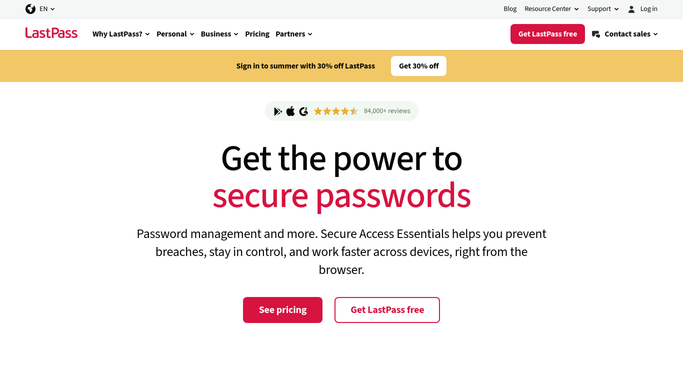
WebRun opens LastPass to read dark web alerts. - Open LastPass and read the dark web monitoring alerts raised since the last run
- For each exposed address, find the stored logins that use it and note the sites involved
- Check which shared folders those items sit in and which users can therefore see them
Done when Every new alert is mapped to its vault items, sites, and the people with access.
-
2
Airtable - log the rotation queue
airtable.com How to Automate Airtable

WebRun opens Airtable to log the rotation queue. - Add one row per exposed login to your rotation queue
- Record the site, the shared folder, the number of users with access, and the alert date
- Mark rows as rotated once the password's last-changed date moves past the alert date
Done when The rotation queue in Airtable reflects every open and closed alert.
-
3
Slack - alert your IT lead
slack.com How to Automate Slack

WebRun opens Slack to alert your IT lead. - Post today's alerts to your security channel, most widely shared login first
- Show the site, who has access, and how many days the alert has been open
- Never write out a password or a secret. Rotation itself stays a human action
Done when Your IT lead has today's ranked rotation list in Slack.
How is each run configured?
Secure by default
Connect once, stays signed in
WebRun signs in once and keeps each session in a persistent environment, so every run picks up right where it left off.
Every action is checked against this policy before it runs.
Questions, answered
Does it change any passwords itself?
No. WebRun reads alerts and maps them to the affected logins. Rotating a password, revoking access, or removing a vault item stays a human action taken by your IT lead.
Are passwords ever written into Slack or Airtable?
Never. The reports carry the site name, the folder, the alert date, and how many users have access. No password, secret, or note field is ever copied out of the vault.
How does it decide what to fix first?
It ranks by blast radius: the login shared with the most users, on the most sensitive site, with the oldest open alert, sits at the top of the Slack list.
Related templates
Put this on autopilot.
Turn it on in minutes - or have our team set it up for you.