See which treatment rooms are sitting idle
Every Monday, WebRun opens Mangomint, pulls last week's completed and booked appointments for every treatment room, calculates booked hours against available hours to get a utilization rate per room, logs the full breakdown to Google Sheets, and sends your manager a Telegram note naming the rooms with the lowest utilization.
- No credit card
- Under $0.01 per run
- Cancel anytime
How do I track treatment room utilization at my laser hair removal studio?
Every Monday, WebRun pulls last week's booked appointments from Mangomint and works out a utilization rate for every treatment room, comparing booked hours against available hours. It logs the full breakdown to Google Sheets with a rolling four week average and sends your manager a Telegram alert naming any room under fifty percent utilization.
- Underused treatment rooms surface every week instead of going unnoticed
- A rolling four week average tells apart a real pattern from one slow week
- Google Sheets keeps a full utilization history for capacity planning
Built for laser hair removal studios · multi room aesthetics clinics · studio managers and owners · multi location laser franchises
What does WebRun do on every run?
The exact actions WebRun takes, in order - in plain language, so you can adjust anything.
-
WebRun signs in and gets to work
Opens
app.mangomint.comin a real browser with your saved login - no setup, no API keys. -
1
Mangomint - pull last week's room bookings
mangomint.com How to Automate Mangomint
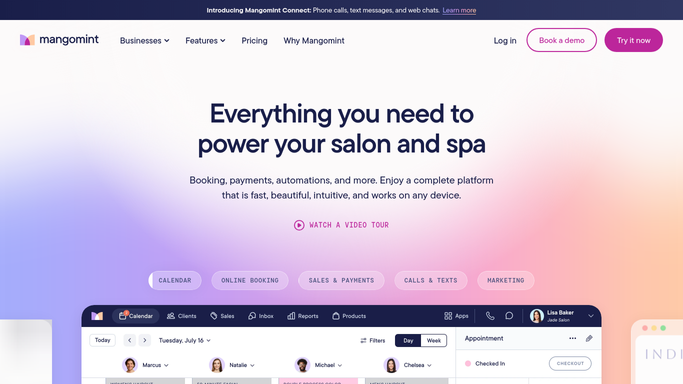
WebRun opens Mangomint to pull last week's room bookings. - Open Mangomint and pull last week's booked appointment hours for every treatment room
- Compare booked hours against each room's total available hours for the week
- Note which laser device is assigned to each room
Done when Every treatment room has a booked hours and available hours count for the week.
-
2
Google Sheets - log utilization rate per room
google.com How to Automate Google Sheets

WebRun opens Google Sheets to log utilization rate per room. - Open the room utilization sheet and append last week's row with each room's utilization rate
- Track a rolling four week average per room
- Flag any room under 50 percent utilization for the week
Done when Last week's utilization rate is logged in Google Sheets for every room with a rolling average.
-
3
Telegram - alert the manager to low utilization rooms
telegram.org How to Automate Telegram

WebRun opens Telegram to alert the manager to low utilization rooms. - Send the manager a note naming the rooms under 50 percent utilization
- Include the rolling four week average so a one off slow week does not look like a trend
- Link to the full Google Sheets breakdown
Done when The manager knows which rooms are underused and whether it is a pattern or a one off week.
How is each run configured?
Secure by default
Connect once, stays signed in
WebRun signs in once and keeps each session in a persistent environment, so every run picks up right where it left off.
Every action is checked against this policy before it runs.
Questions, answered
Does a low utilization alert mean a room should be closed?
Not on its own. It flags rooms under 50 percent utilization for the week alongside a rolling four week average, so your manager can judge whether it is a genuine pattern or a one off slow week before making a staffing or scheduling decision.
How is available hours calculated for each room?
It reads each room's scheduled operating hours in Mangomint for the week, so a room open fewer days, for example due to a holiday, is not unfairly flagged as underused.
Can it break utilization down by laser device instead of room?
Yes, as long as each device is assigned to a specific room in Mangomint. The report already notes which device sits in each room, so device level utilization is just a relabeling of the same data.
Related templates
Put this on autopilot.
Turn it on in minutes - or have our team set it up for you.