Get every detail and deadline the day before you travel
Every morning, WebRun opens Kayak, reads the trips saved in your itineraries, and for anything departing tomorrow pulls the flight times, terminals, hotel bookings and confirmation numbers, builds a Trello checklist of what has to happen before you leave, and sends the whole card to your WhatsApp.
- No credit card
- Under $0.01 per run
- Cancel anytime
How do I get all my trip details the day before I travel?
Every morning, WebRun opens Kayak, checks your saved trips, and for anything departing within 36 hours pulls the flight times, hotel bookings and confirmation numbers. It builds a Trello checklist for the day before and sends the whole card to WhatsApp, so nothing has to be looked up at the gate.
- Every confirmation number is in one message the night before
- The pre-departure checklist is built without anyone writing it
- Hotel-only trips get the same card as flights
Built for frequent travellers · executive assistants · consultants · travel planners
What does WebRun do on every run?
The exact actions WebRun takes, in order - in plain language, so you can adjust anything.
-
WebRun signs in and gets to work
Opens
www.kayak.comin a real browser with your saved login - no setup, no API keys. -
1
Kayak - read tomorrow's trip details
kayak.com
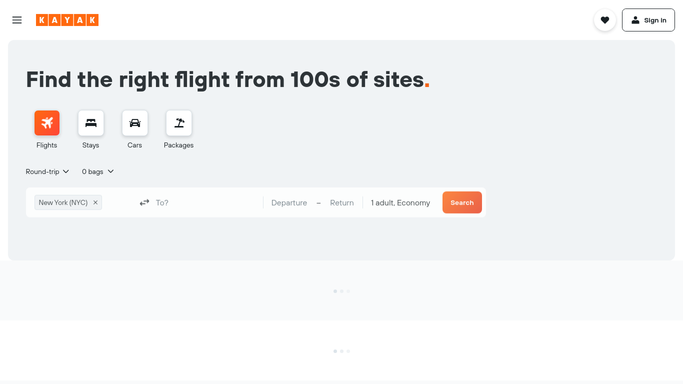
WebRun opens Kayak to read tomorrow's trip details. - Open Kayak and go to your saved trips and itineraries
- Find any trip whose first leg departs within the next 36 hours
- Capture each flight with its airline, flight number, departure time, and arrival time
- Pull the hotel bookings with their check-in dates and addresses
- Record every confirmation number and booking reference on the trip
Done when Tomorrow's trip is captured with flights, hotels and confirmation numbers.
-
2
Trello - build the pre-departure checklist
trello.com How to Automate Trello

WebRun opens Trello to build the pre-departure checklist. - Create a Trello card for the trip on your travel board
- Add a checklist covering online check-in, bag drop timing, transport to the airport, and hotel check-in
- Put the confirmation numbers in the card description so they are one tap away
- Set the card due date to the departure time
- Leave the actual check-in to you. WebRun never submits a check-in or changes a booking
Done when The trip has a Trello card with a checklist and every reference on it.
-
3
WhatsApp - send the trip card
whatsapp.com How to Automate WhatsApp

WebRun opens WhatsApp to send the trip card. - Send the trip card to your WhatsApp the day before departure
- Lead with the departure time and how many hours away it is
- List flights, hotels, and confirmation numbers in the order you will need them
- Note the check-in window if the airline has one open, so nothing is looked up at the gate
Done when You have tomorrow's trip in one WhatsApp message.
How is each run configured?
Secure by default
Connect once, stays signed in
WebRun signs in once and keeps each session in a persistent environment, so every run picks up right where it left off.
Every action is checked against this policy before it runs.
Questions, answered
Will it check me in or change a booking?
No. WebRun reads your itinerary and builds the checklist. Checking in, selecting a seat, or changing a booking stays with you, because each of those is hard to undo.
Will it message anyone else about my travel?
No. The card goes to your own WhatsApp and your own Trello board. Nobody else is contacted, and no traveller detail leaves those two places.
What if the trip has no flight, only a hotel?
It still gets a card. WebRun works from whatever is in the itinerary, so a hotel-only trip arrives with the address, the check-in date, and the confirmation number.
Related templates
Put this on autopilot.
Turn it on in minutes - or have our team set it up for you.