Spot under-used and over-limit billable units every week
Every Monday, WebRun opens Therap, compares authorized billable units against units delivered this period for each individual, logs utilization rates to Google Sheets, and posts a digest to the billing Slack channel highlighting over-limit and under-utilization risks.
- No credit card
- Under $0.01 per run
- Cancel anytime
How do I automatically track billable unit utilization for IDD waiver services?
WebRun opens Therap every Monday, compares each individual's authorized billable units against units delivered in the current period, logs utilization rates to Google Sheets, and posts a digest to the billing Slack channel flagging anyone trending over-limit or under-utilized so billing staff can act before the period closes.
- Over-limit individuals caught before claims are denied for excess units
- Under-utilized authorizations flagged so care teams can investigate service gaps
- Weekly trend data in Google Sheets so utilization patterns are visible over time
Built for IDD billing managers · waiver program directors · care coordinators · group home billing staff
What does WebRun do on every run?
The exact actions WebRun takes, in order - in plain language, so you can adjust anything.
-
WebRun signs in and gets to work
Opens
www.therapservices.netin a real browser with your saved login - no setup, no API keys. -
1
Therap - compare authorized vs. delivered billable units
therapservices.net How to Automate Therap
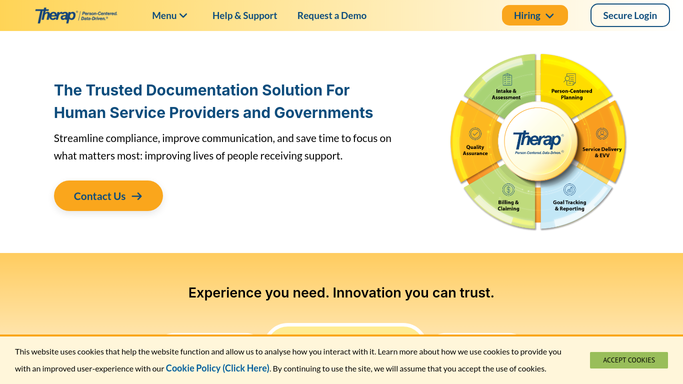
WebRun opens Therap to compare authorized vs. delivered billable units. - Open Therap and navigate to the billing or service authorization section
- For each active individual, read the authorized units for the current period and the units delivered to date
- Calculate percent utilization and flag anyone above 90 percent or below 50 percent of authorized units at this point in the period
Done when Utilization rates are calculated for all active individuals with over-limit and under-use flags applied.
-
2
Google Sheets - log utilization rates per individual
google.com How to Automate Google Sheets

WebRun opens Google Sheets to log utilization rates per individual. - Open the Billable Unit Utilization sheet for the current period
- Write one row per individual with authorized units, delivered units, percent utilized, and flag status
- Timestamp the data with the run date so historical trends are visible
Done when The utilization sheet is updated with this week's data for all active individuals.
-
3
Slack - post weekly digest with over-limit and under-use flags
slack.com How to Automate Slack

WebRun opens Slack to post weekly digest with over-limit and under-use flags. - Post a weekly digest to the billing channel summarizing total authorized units, total delivered, and overall utilization rate
- List individuals flagged as over 90 percent utilized so billing staff can confirm documentation is complete
- List individuals flagged as under 50 percent so care coordinators can investigate service gaps
Done when Billing staff have a weekly utilization digest in Slack with over-limit and under-use lists.
How is each run configured?
Secure by default
Connect once, stays signed in
WebRun signs in once and keeps each session in a persistent environment, so every run picks up right where it left off.
Every action is checked against this policy before it runs.
Questions, answered
Will it adjust or modify any billing records in Therap?
No. WebRun only reads authorization and delivery data. All billing corrections or unit adjustments are made by authorized billing staff in Therap after reviewing the digest.
How does it handle multiple service types with different authorization periods?
It tracks each service authorization line separately in Therap, so individuals with multiple service types get one utilization row per authorization, each compared against its own period.
Can we adjust the over-limit and under-use thresholds?
Yes. The thresholds for flagging are set when you configure the workflow. The defaults are 90 percent and 50 percent utilization, but these can be adjusted to match your agency's billing review standards.
Related templates
Put this on autopilot.
Turn it on in minutes - or have our team set it up for you.