Keep your own running record of every closed trade
Every Monday, WebRun signs into your Saxo Bank account, reads last week's trade history, closed positions, fees and cash transactions, writes each line into your Notion ledger with its date, instrument, quantity and cost, and opens a Trello card for any entry that needs your input before the books close.
- No credit card
- Under $0.01 per run
- Cancel anytime
How do I keep my own record of every closed trade and its costs?
Every Monday, WebRun signs into your Saxo Bank account and reads last week's trade history, fees and cash transactions. It writes each line into a Notion ledger you own and raises a Trello card for anything unclear, so your records survive the platform's history window. WebRun only reads, it never trades.
- Every closed trade and fee is recorded in a ledger you own
- Tax season starts from a complete history, not a partial export
- Unclear entries get a card instead of being quietly guessed at
Built for active traders · accountants · family offices · self-filing investors
What does WebRun do on every run?
The exact actions WebRun takes, in order - in plain language, so you can adjust anything.
-
WebRun signs in and gets to work
Opens
www.home.saxoin a real browser with your saved login - no setup, no API keys. -
1
Saxo Bank - read last week's trades and costs
home.saxo
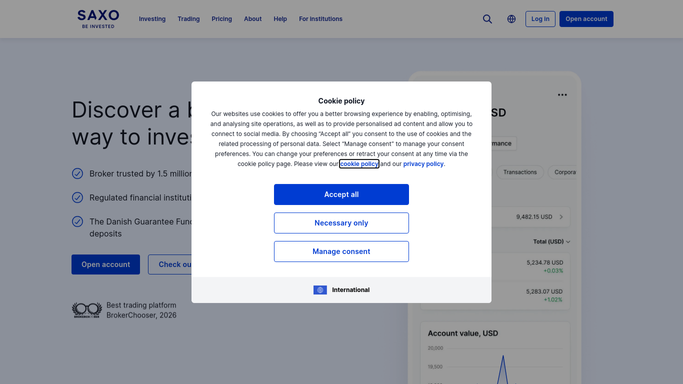
WebRun opens Saxo Bank to read last week's trades and costs. - Sign into your Saxo Bank account and open the account statement for the last seven days
- Read the trade history: every closed position with its instrument, quantity, open and close price
- Capture the commissions, currency conversion costs, and any other fees charged on each trade
- Record cash transactions such as deposits, withdrawals, dividends and interest
- Read only. WebRun never places, edits, or cancels an order
Done when Last week's trades, fees, and cash movements are captured in full.
-
2
Notion - write the running ledger
notion.so How to Automate Notion

WebRun opens Notion to write the running ledger. - Append last week's rows to your trade ledger database in Notion
- Give each row the trade date, instrument, quantity, open price, close price, realised result and fees
- Keep cash movements on their own view so deposits and dividends stay separate from trades
- Do not overwrite earlier weeks. The ledger grows so it outlives the platform's own history window
Done when Every trade and cash line from last week is a row in the Notion ledger.
-
3
Trello - flag entries needing a decision
trello.com How to Automate Trello

WebRun opens Trello to flag entries needing a decision. - Open a Trello card for any entry the ledger cannot classify on its own
- Add a card where a fee looks unusual against the rest of the week or a cash movement has no obvious source
- Put the date, the instrument, and the amount in the card so it can be settled without reopening the platform
- Leave the judgement to you. WebRun records and flags, it never trades
Done when Every unclear entry has a Trello card waiting for your call.
How is each run configured?
Secure by default
Connect once, stays signed in
WebRun signs in once and keeps each session in a persistent environment, so every run picks up right where it left off.
Every action is checked against this policy before it runs.
Questions, answered
Can it place or close a trade?
No, and it never will. This run is read only: it opens your statement, copies what already happened, and writes it into Notion. Buying, selling and moving money stay entirely with you.
Is this investment advice?
No. WebRun copies your own transaction history into a ledger you own. It does not rank instruments, suggest positions, or comment on performance.
Why keep a copy outside the platform?
Because statement history has a limit and tax questions arrive years later. A ledger in Notion keeps every trade, fee and cash movement in one place regardless of what the platform still shows.
Related templates
Put this on autopilot.
Turn it on in minutes - or have our team set it up for you.