Reorder critical parts before your shelves run dry
Every morning, WebRun opens e-Emphasys Parts Management, identifies all stock-keeping units at or below their reorder point, checks open service work orders to prioritize parts with pending demand, and posts a prioritized reorder alert to Slack for your parts manager.
- No credit card
- Under $0.01 per run
- Cancel anytime
How do I get automatic alerts when heavy equipment parts stock falls below reorder levels?
WebRun checks e-Emphasys Parts Management every morning for stock-keeping units at or below their reorder point, cross-references open work orders to surface parts with immediate job demand, logs the list in Google Sheets, and posts a prioritized reorder alert to Slack so your parts manager can act before any job is delayed.
- Parts shortages are flagged before they stall an in-progress service job
- Parts manager opens Slack each morning with a prioritized reorder list already prepared
- Consecutive-day tracking in Google Sheets surfaces chronic low-stock items for supplier negotiation
Built for heavy equipment dealers · equipment dealer parts managers · construction equipment service departments
What does WebRun do on every run?
The exact actions WebRun takes, in order - in plain language, so you can adjust anything.
-
WebRun signs in and gets to work
Opens
e-emphasys.com/home/solutionsin a real browser with your saved login - no setup, no API keys. -
1
e-Emphasys - find parts at or below reorder point
e-emphasys.com How to Automate e-Emphasys
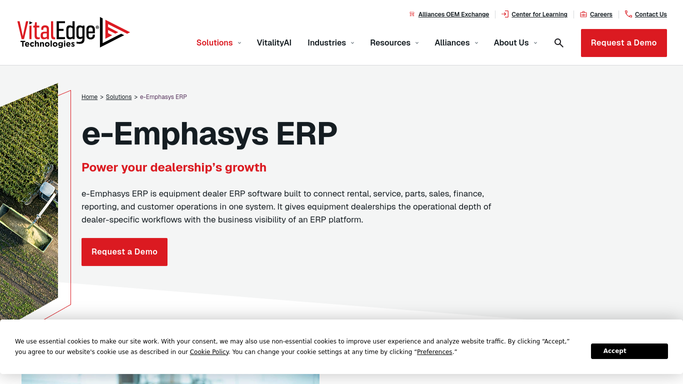
WebRun opens e-Emphasys to find parts at or below reorder point. - Open e-Emphasys Parts Management and filter inventory to items at or below the set reorder point
- For each flagged part, note the part number, description, current quantity, reorder point, and preferred supplier
- Cross-check open service work orders to see if any flagged part is needed for a job in progress today
Done when All parts at or below reorder point are identified, with pending-job demand flagged.
-
2
Google Sheets - log reorder alerts and track history
google.com How to Automate Google Sheets

WebRun opens Google Sheets to log reorder alerts and track history. - Append the reorder list to the parts reorder history sheet with today's date
- Mark any part flagged for the second consecutive day as critically low
Done when Reorder list is logged in Google Sheets with consecutive-day tracking.
-
3
Slack - post reorder alert to parts manager
slack.com How to Automate Slack

WebRun opens Slack to post reorder alert to parts manager. - Post the reorder alert to the parts manager Slack channel
- Lead with any parts needed for a job in progress today, then list remaining items by priority
- Include part number, description, quantity on hand, and preferred supplier for each item
Done when Parts manager has today's reorder alert in Slack.
How is each run configured?
Secure by default
Connect once, stays signed in
WebRun signs in once and keeps each session in a persistent environment, so every run picks up right where it left off.
Every action is checked against this policy before it runs.
Questions, answered
Does it place purchase orders automatically?
No. WebRun posts the reorder alert to Slack for your parts manager to review and act on. All purchase orders are placed by your team.
How does it decide what counts as a reorder point?
It reads the reorder point already set on each part in e-Emphasys. You control those thresholds inside your parts management setup.
Can it check parts across multiple locations?
Yes. It reads inventory levels across all locations in e-Emphasys and flags low stock at each branch separately so your manager knows which location needs the reorder.
Related templates
Put this on autopilot.
Turn it on in minutes - or have our team set it up for you.