Export your daily Formplus responses for you
Every morning, WebRun opens Formplus, pulls every response submitted since yesterday, appends each one as a row in Google Sheets, and drafts a Gmail digest for the form owner noting how many came in and any notably large jump.
- No credit card
- Under $0.01 per run
- Cancel anytime
How do I export my Formplus responses to Google Sheets every day?
Every morning, WebRun pulls Formplus responses submitted in the past day, appends each one as a full row in Google Sheets, and drafts a Gmail digest for the form owner noting the day's response count. Form owners get a running, exportable record and a same day heads up on any unusual jump in submissions.
- A running response record builds up in Sheets without manual exporting
- An unusual jump in submissions gets flagged the same day
- No response gets exported twice into the sheet
Built for Marketing teams · HR and recruiting · event organizers · small business owners
What does WebRun do on every run?
The exact actions WebRun takes, in order - in plain language, so you can adjust anything.
-
WebRun signs in and gets to work
Opens
formpl.usin a real browser with your saved login - no setup, no API keys. -
1
Formplus - pull yesterday's responses
formpl.us
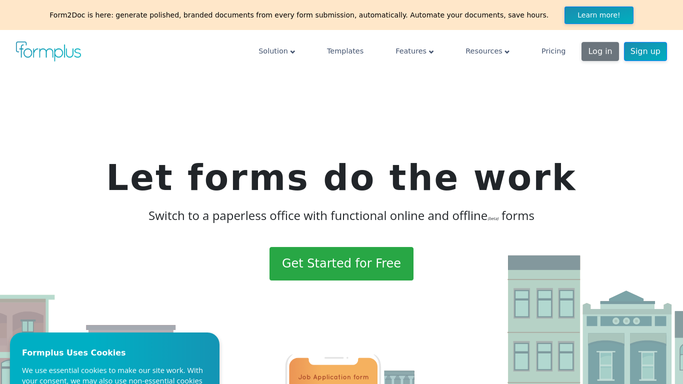
WebRun opens Formplus to pull yesterday's responses. - Open Formplus and pull responses submitted in the last 24 hours
- Capture every answer field for each response
- Note the total response count for the day
Done when Every response from the last 24 hours is captured in full.
-
2
Google Sheets - append the response rows
google.com How to Automate Google Sheets

WebRun opens Google Sheets to append the response rows. - Open the response export sheet
- Append a row for each new response with all its answers
- Skip any response already exported from a prior run
Done when Every new response is appended as a row in Google Sheets.
-
3
Gmail - draft the daily digest
gmail.com How to Automate Gmail

WebRun opens Gmail to draft the daily digest. - Draft a short digest noting today's response count
- Flag a count well above the recent daily average
- Leave the draft in Gmail for the form owner to review and send
Done when A drafted daily digest is waiting for the form owner.
How is each run configured?
Secure by default
Connect once, stays signed in
WebRun signs in once and keeps each session in a persistent environment, so every run picks up right where it left off.
Every action is checked against this policy before it runs.
Questions, answered
Will the digest email send without review?
No. WebRun only drafts the digest in Gmail. The form owner reviews and sends it, so nothing about the day's responses goes out unchecked.
Does it export every field from the form?
Yes. Each response is appended as a full row with every answer field, so the sheet works as a complete record, not a partial summary.
Could a response get exported twice?
No. It checks the sheet for a response already logged before adding it, so re-running the export does not create duplicate rows.
Related templates
Put this on autopilot.
Turn it on in minutes - or have our team set it up for you.