Build your debtor verification worklist automatically
Every Monday, WebRun opens FundThrough, identifies invoices whose debtors are pending verification or have lapsed verification, and builds a prioritized worklist in Google Sheets ranked by invoice value so your team knows which debtors to clear first.
- No credit card
- Under $0.01 per run
- Cancel anytime
How do I automatically track which FundThrough debtors need verification?
WebRun opens FundThrough every Monday, finds every invoice whose debtor has not been verified, and builds a ranked Google Sheet worklist ordered by invoice value. Your team opens Sheets to a prioritized action list showing debtor names, client names, amounts, and days waiting, so the highest-value unblocks get cleared first.
- Team starts each week with a ranked verification worklist, not a manual search
- Highest-value debtor unblocks are prioritized automatically
- Cleared debtors are removed from the list on the next run
Built for factoring operations teams · accounts receivable managers · invoice factoring clients · finance controllers
What does WebRun do on every run?
The exact actions WebRun takes, in order - in plain language, so you can adjust anything.
-
WebRun signs in and gets to work
Opens
app.fundthrough.comin a real browser with your saved login - no setup, no API keys. -
1
FundThrough - find invoices with unverified debtors
fundthrough.com How to Automate FundThrough
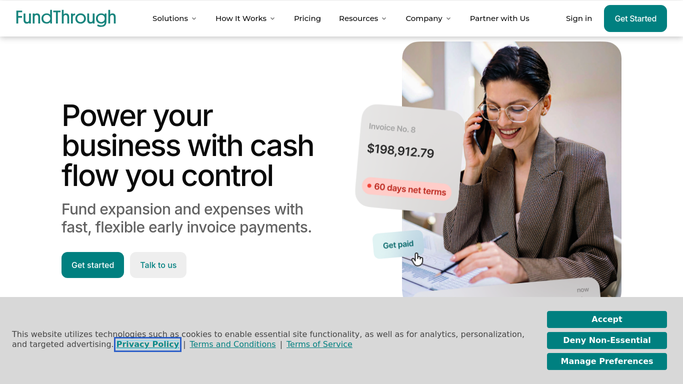
WebRun opens FundThrough to find invoices with unverified debtors. - Open FundThrough and review invoices awaiting or blocked on debtor verification
- Capture the debtor name, invoice amount, client name, and verification status for each
- Sort by invoice value, largest first, to prioritize high-value unblocks
- Note how long each debtor has been in unverified status
Done when Every invoice with an unverified debtor is listed with its details and ranked by value.
-
2
Google Sheets - build the ranked debtor verification worklist
google.com How to Automate Google Sheets

WebRun opens Google Sheets to build the ranked debtor verification worklist. - Open the designated debtor verification tracking sheet
- Add or update a row for each unverified debtor with name, invoice amount, client, and days outstanding
- Mark newly resolved debtors as cleared
- Timestamp the last-updated column so the team knows the data is fresh
Done when The Google Sheet shows this week's ranked debtor verification worklist with fresh timestamps.
How is each run configured?
Secure by default
Connect once, stays signed in
WebRun signs in once and keeps each session in a persistent environment, so every run picks up right where it left off.
Every action is checked against this policy before it runs.
Questions, answered
Will it contact debtors to request verification documents?
No. WebRun only builds the internal worklist. Any outreach to debtors must be initiated by your team after reviewing the sheet.
How does it know which debtors need verification?
It reads the verification status fields in FundThrough and flags any debtor marked as pending, unverified, or requiring re-verification for the current period.
What happens when a debtor is verified during the week?
On the next Monday run, WebRun re-reads FundThrough and marks that debtor cleared in the sheet, so the list always reflects the current state.
Related templates
Put this on autopilot.
Turn it on in minutes - or have our team set it up for you.