Never let your team's VPN coverage expire unnoticed
Every Monday, WebRun opens your ExpressVPN account, checks the subscription renewal date and how many device activations are in use, logs the seat usage in an Airtable register, and posts a renewal reminder to Notion once the plan is within 14 days of expiring.
- No credit card
- Under $0.01 per run
- Cancel anytime
How do I keep track of when our team's ExpressVPN subscription renews?
WebRun checks your ExpressVPN subscription every Monday for the renewal date and how many device activations are in use, logs seat usage to an Airtable register, and posts a Notion reminder once renewal is within 14 days. It never renews the plan or charges a card, so payment stays entirely in your hands.
- Renewal reminders appear two weeks out, not the day coverage lapses
- Seat usage trends are visible in one Airtable register over time
- No browsing or connection activity is ever read, only account details
Built for IT admins · small business owners · remote teams · freelancers
What does WebRun do on every run?
The exact actions WebRun takes, in order - in plain language, so you can adjust anything.
-
WebRun signs in and gets to work
Opens
www.expressvpn.comin a real browser with your saved login - no setup, no API keys. -
1
ExpressVPN - check subscription and device usage
expressvpn.com
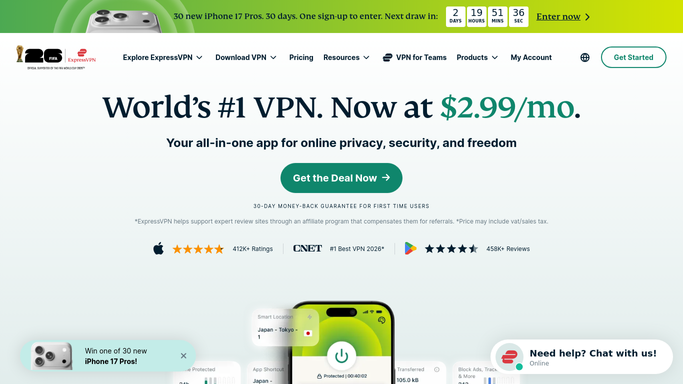
WebRun opens ExpressVPN to check subscription and device usage. - Open the ExpressVPN account page and check the subscription renewal date
- Count how many of the allowed device activations are currently in use
- Note the plan tier and days remaining until renewal
Done when The subscription's renewal date and device usage are recorded.
-
2
Airtable - log seat usage
airtable.com How to Automate Airtable

WebRun opens Airtable to log seat usage. - Open the subscription register in Airtable
- Add or update this week's row with plan, device count, and renewal date
- Keep prior weeks so seat usage trends over time
Done when The Airtable register reflects this week's subscription status.
-
3
Notion - post the renewal reminder
notion.so How to Automate Notion

WebRun opens Notion to post the renewal reminder. - Open the team's tools page in Notion
- Post a renewal reminder once the plan is within 14 days of expiring
- Stay quiet in weeks the renewal is not yet close
Done when Notion shows a reminder only when renewal is within 14 days.
How is each run configured?
Secure by default
Connect once, stays signed in
WebRun signs in once and keeps each session in a persistent environment, so every run picks up right where it left off.
Every action is checked against this policy before it runs.
Questions, answered
Will it renew the subscription or charge a card?
No. WebRun only reports the renewal date and reminds you. Renewing the plan or updating payment is a step you take yourself.
Does it see which sites or apps anyone is browsing?
No. WebRun only reads account and subscription details, such as renewal date and device count, never browsing or connection activity.
What if we already renewed?
It reads the live renewal date each week, so once you've renewed the reminder stops on its own.
Related templates
Put this on autopilot.
Turn it on in minutes - or have our team set it up for you.