Reconcile every exempt sale to a certificate on file
Each month, WebRun opens NetSuite, pulls every exempt sale for the period, matches each to a valid certificate in EXEMPTAX for the right state, and posts the tax team a Slack reconciliation showing covered exempt dollars versus exempt dollars with no certificate on file, so the gap is measured, not guessed.
- No credit card
- Under $0.01 per run
- Cancel anytime
How do I reconcile exempt sales to the certificates I have on file?
Each month, WebRun opens NetSuite, pulls every exempt sale, and matches each to a valid certificate in EXEMPTAX for the right customer and state. It totals the exempt dollars with no valid certificate behind them and posts the tax team a Slack reconciliation broken down by customer and state, so the uncovered exposure is measured rather than guessed.
- Uncovered exempt dollars are measured every month, not guessed
- The biggest coverage gaps surface by customer and state
- The tax team walks into an audit knowing exactly where exposure sits
Built for tax teams · finance teams · controllers · sales tax compliance teams
What does WebRun do on every run?
The exact actions WebRun takes, in order - in plain language, so you can adjust anything.
-
WebRun signs in and gets to work
Opens
system.netsuite.comin a real browser with your saved login - no setup, no API keys. -
1
NetSuite - pull exempt sales for the period
netsuite.com How to Automate NetSuite

WebRun opens NetSuite to pull every exempt sale for the period. - Open NetSuite and pull all sales booked as tax-exempt for the period
- Capture the customer, invoice, state, and exempt amount for each
- Total the exempt dollars by customer and by state
Done when Every exempt sale for the period is listed with its customer, state, and amount.
-
2
EXEMPTAX - match each sale to a certificate
exemptax.com How to Automate EXEMPTAX
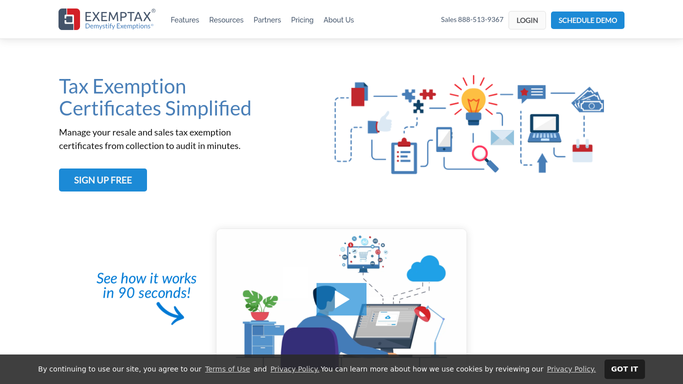
WebRun opens EXEMPTAX to match each exempt sale to a valid certificate. - Open EXEMPTAX and match each exempt sale to a valid certificate for that customer and state
- Mark sales as covered, uncovered, or covered by an expired certificate
- Total the exempt dollars that have no valid certificate behind them
Done when Every exempt sale is classified as covered or uncovered with the uncovered dollars totalled.
-
3
Slack - post the reconciliation
slack.com How to Automate Slack

WebRun posts the exempt-sales reconciliation to Slack. - Post the tax team a reconciliation of covered exempt dollars versus uncovered exempt dollars
- Break the uncovered total down by customer and by state so the biggest gaps stand out
- Flag the customers to prioritise for certificate collection this month
Done when The tax team has this period's exempt-sales reconciliation in Slack.
How is each run configured?
Secure by default
Connect once, stays signed in
WebRun signs in once and keeps each session in a persistent environment, so every run picks up right where it left off.
Every action is checked against this policy before it runs.
Questions, answered
Does this message customers?
No. This reconciliation only reads NetSuite and EXEMPTAX and posts an internal Slack summary for the tax team. It never contacts a customer, so it is safe to run unattended each month.
How does it match a sale to a certificate?
It pairs each exempt sale from NetSuite with a valid certificate in EXEMPTAX for the same customer and state, then marks the sale covered, uncovered, or covered only by an expired certificate.
What does the reconciliation actually show?
It shows total exempt dollars that are backed by a valid certificate versus exempt dollars with none, broken down by customer and state, so the tax team sees exactly where the audit exposure sits.
Related templates
 Shopify›
Put this on autopilot.
Turn it on in minutes - or have our team set it up for you.