Get workers comp injury reports filed without missing the deadline
The moment a work related injury is logged in Enterprise Health, WebRun pulls the employee, injury, and incident details, prepares the First Report of Injury form in DocuSign for the workers compensation coordinator to review and file, and posts the safety team a Slack alert with the state filing deadline so no report is filed late.
- No credit card
- Under $0.01 per run
- Cancel anytime
How do I automatically prepare workers comp injury filings before the deadline?
WebRun watches Enterprise Health for newly logged work injuries and prepares the First Report of Injury form in DocuSign the moment one appears, pre filled with the employee and incident details for the workers compensation coordinator to review and file. It also posts the safety team a Slack alert with the state filing deadline, so no report is filed late.
- No First Report of Injury misses its state filing deadline
- Coordinator reviews a pre filled form instead of building one from scratch
- Safety team is alerted within minutes of any new work injury
Built for hospital workers compensation coordinators · occupational health clinics · hospital safety officers · risk management teams
What does WebRun do on every run?
The exact actions WebRun takes, in order - in plain language, so you can adjust anything.
-
WebRun signs in and gets to work
Opens
www.enterprisehealth.comin a real browser with your saved login - no setup, no API keys. -
1
Enterprise Health - find newly logged work injuries
enterprisehealth.com How to Automate Enterprise Health
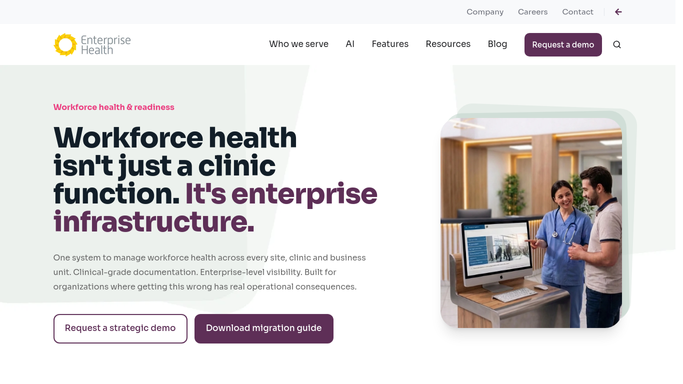
WebRun opens Enterprise Health to find newly logged work injuries. - Check Enterprise Health for newly logged work related injuries since the last run
- Capture the employee, date and time of injury, body part, and incident description
- Note the state filing deadline based on the injury date
Done when Every newly logged work injury is captured with its full incident details.
-
2
DocuSign - prepare the First Report of Injury form
docusign.com How to Automate DocuSign

WebRun opens DocuSign to prepare the First Report of Injury form. - Prepare the First Report of Injury form pre filled with the incident details
- Leave the envelope unsent in the workers compensation coordinator's DocuSign account for review
- Never file or submit a report without the coordinator's review
Done when A review ready First Report of Injury form exists in DocuSign for every new case.
-
3
Slack - alert the safety team to the filing deadline
slack.com How to Automate Slack

WebRun opens Slack to alert the safety team to the filing deadline. - Post the safety team an alert with the employee, injury summary, and state filing deadline
- Flag any case where the deadline falls within 48 hours
- Confirm once the coordinator marks the report filed
Done when The safety team has been alerted to every new case and its filing deadline in Slack.
How is each run configured?
Secure by default
Connect once, stays signed in
WebRun signs in once and keeps each session in a persistent environment, so every run picks up right where it left off.
Every action is checked against this policy before it runs.
Questions, answered
Will it file the workers comp report on its own?
No. It only prepares the First Report of Injury form in DocuSign. The workers compensation coordinator reviews and files it. WebRun never submits a filing on its own.
How does it calculate the filing deadline?
It calculates the deadline from the injury date against your state's required reporting window, then flags the case in Slack the moment that deadline is within 48 hours.
Does the Slack alert include clinical details of the injury?
It includes a brief injury summary and body part needed for filing, not full clinical notes, so the safety team gets enough context without seeing the full medical record.
Related templates
Put this on autopilot.
Turn it on in minutes - or have our team set it up for you.