Spot any DNS or lock setting that changed overnight
Every morning, WebRun signs in to Dynadot, reads the DNS records, name servers, transfer lock and WHOIS privacy setting on every domain you own, compares them against yesterday's snapshot, opens a Trello card for anything that changed, and messages you on WhatsApp the same day.
- No credit card
- Under $0.01 per run
- Cancel anytime
How do I get alerted when DNS or lock settings change on my domains?
WebRun signs in to Dynadot every morning, reads the DNS records, name servers, transfer lock and WHOIS privacy on every domain you own, and compares them against yesterday. If anything changed, it opens a Trello card with the old and new values and messages you on WhatsApp the same day.
- An unexpected name server surfaces the same day, not weeks later
- Quiet mornings stay quiet, so every alert means a real change
- WebRun only reads Dynadot, so no setting is ever altered for you
Built for domain investors · IT admins · web agencies · small business owners
What does WebRun do on every run?
The exact actions WebRun takes, in order - in plain language, so you can adjust anything.
-
WebRun signs in and gets to work
Opens
www.dynadot.comin a real browser with your saved login - no setup, no API keys. -
1
Dynadot - read today's domain settings
dynadot.com
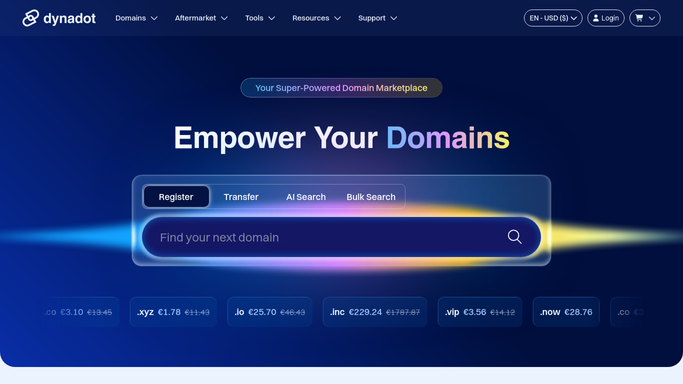
WebRun opens Dynadot to read today's domain settings. - Sign in to Dynadot and open the domain list for your account
- For each domain, read the name servers, the DNS records, the transfer lock state, and the WHOIS privacy setting
- Compare every value against yesterday's snapshot and mark what differs
- Read only. Never edit a record, unlock a domain, or start a transfer
Done when Every domain has today's settings compared against yesterday's.
-
2
Trello - card up every change
trello.com How to Automate Trello

WebRun opens Trello to card up every change. - Open your infrastructure board in Trello and add a card for each domain that changed
- Put the domain in the card title and the old and new values in the description
- Label unlocked domains and name server changes as urgent, and stay silent when nothing moved
Done when Every change from the last 24 hours has its own Trello card.
-
3
WhatsApp - alert you the same day
whatsapp.com How to Automate WhatsApp

WebRun opens WhatsApp to alert you the same day. - Message your ops group with the domains that changed and what changed on each
- Lead with anything that looks like a hijack signal: a new name server, a lifted transfer lock, or privacy switched off
- Send nothing on the days when no setting moved
Done when You know about every change on the day it happened.
How is each run configured?
Secure by default
Connect once, stays signed in
WebRun signs in once and keeps each session in a persistent environment, so every run picks up right where it left off.
Every action is checked against this policy before it runs.
Questions, answered
Can it change a DNS record or re-lock a domain?
No. WebRun only reads your Dynadot settings and reports what moved. Editing records, locking a domain, or stopping a transfer stays a manual action, so it can never make the problem worse.
Will it message me every single morning?
Only when something changed. On a quiet day WebRun compares the settings, finds no difference, and sends nothing, so a WhatsApp message always means a real change.
What counts as a change worth flagging?
A new or removed name server, an edited DNS record, a transfer lock that came off, or WHOIS privacy switched off. Those four are the early signals of a domain hijack.
Related templates
Put this on autopilot.
Turn it on in minutes - or have our team set it up for you.