Stop late trays before patients go without a meal
Every 5 minutes during meal service, WebRun opens Computrition, checks which trays are still marked undelivered past their unit's service window, texts the room service runner covering that unit through Twilio, and posts a Teams alert to nutrition services so a late tray gets caught while the meal is still hot.
- No credit card
- Under $0.01 per run
- Cancel anytime
How do I catch late tray deliveries before a patient misses a meal?
WebRun checks Computrition every 5 minutes during meal service for trays still undelivered past that unit's service window. Once a tray runs more than 15 minutes late, it texts the assigned room service runner through Twilio with the room number, and posts a live count of late trays by unit to Microsoft Teams, so nutrition services can step in fast.
- Late trays get caught within 5 minutes of missing the service window
- Runners get a direct text instead of a supervisor hunting them down
- Nutrition services sees a live count of late trays by unit all through service
Built for room service supervisors · nutrition services managers · tray line leads · hospital food and nutrition directors
What does WebRun do on every run?
The exact actions WebRun takes, in order - in plain language, so you can adjust anything.
-
WebRun signs in and gets to work
Opens
www.computrition.comin a real browser with your saved login - no setup, no API keys. -
1
Computrition - find trays past their delivery window
computrition.com How to Automate Computrition
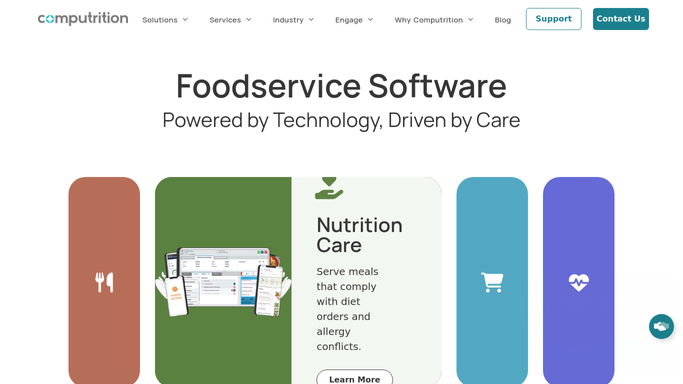
WebRun opens Computrition to find trays past their delivery window. - Open Computrition and pull trays still marked undelivered for the current meal service
- Compare each tray's ticket time against that unit's meal service window
- Flag any tray more than 15 minutes past the window
- Note the patient's room, unit, diet code, and how late the tray is
Done when Every tray still undelivered past 15 minutes has been flagged with its room and unit.
-
2
Twilio - text the runner covering that unit
twilio.com How to Automate Twilio

WebRun opens Twilio to text the runner covering that unit. - Text the room service runner assigned to that unit with the room number and how late the tray is
- Prioritize trays for patients on therapeutic or texture-modified diets first
- Never text the patient directly. The alert goes to the runner only
Done when The runner covering each late tray has been texted before the meal service window fully closes.
-
3
Microsoft Teams - alert nutrition services
microsoft.com How to Automate Microsoft Teams

WebRun opens Microsoft Teams to alert nutrition services. - Post a running count of late trays by unit to the nutrition services Teams channel
- Flag any unit with more than 2 late trays in the same meal service
- Note once a tray has been marked delivered
Done when Nutrition services has a live Teams count of late trays by unit for this meal service.
How is each run configured?
Secure by default
Connect once, stays signed in
WebRun signs in once and keeps each session in a persistent environment, so every run picks up right where it left off.
Every action is checked against this policy before it runs.
Questions, answered
Does it text the patient when their tray is late?
No. WebRun only texts the room service runner covering that unit through Twilio. It never contacts the patient about the delay.
How late does a tray have to be before it's flagged?
By default, more than 15 minutes past that unit's meal service window. The threshold can be adjusted in your run settings.
Does it reroute or reassign the runner itself?
No. WebRun only alerts the runner already assigned to that unit. Reassigning a delivery is left to your room service supervisor.
Related templates
Put this on autopilot.
Turn it on in minutes - or have our team set it up for you.