Get your meal census before production starts
Every morning, WebRun opens Computrition, pulls the current patient meal census broken out by diet type, unit, and NPO status, logs the counts to a Google Sheet, and emails kitchen production a ready-to-use headcount so production planning starts with real numbers instead of yesterday's guess.
- No credit card
- Under $0.01 per run
- Cancel anytime
How do I get an accurate daily meal census before production starts?
WebRun pulls the current patient meal census from Computrition every morning, broken out by diet type, unit, and NPO status. It logs the counts to a Google Sheet with a 7 day trend, and emails kitchen production and the executive chef a ready-to-use headcount, so production planning starts with real numbers before the first tray is built.
- Production starts each day with a real headcount instead of yesterday's estimate
- Unusual swings in a diet type get flagged before trays are built
- 7 days of census history rides along for trend comparison
Built for kitchen production managers · executive chefs · hospital nutrition services · foodservice directors
What does WebRun do on every run?
The exact actions WebRun takes, in order - in plain language, so you can adjust anything.
-
WebRun signs in and gets to work
Opens
www.computrition.comin a real browser with your saved login - no setup, no API keys. -
1
Computrition - pull today's patient census
computrition.com How to Automate Computrition
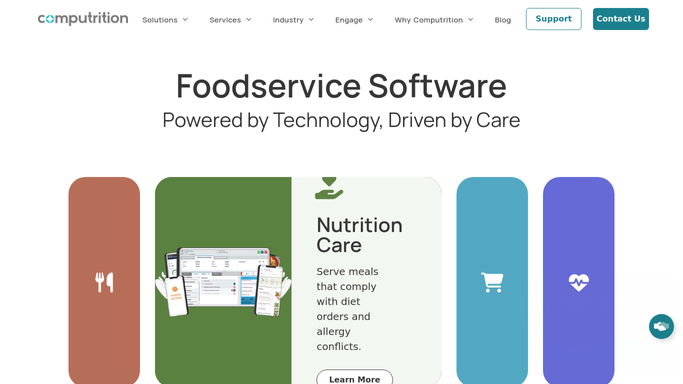
WebRun opens Computrition to pull today's patient census. - Open Computrition and pull the current patient census
- Break the count out by diet type, unit, and NPO or nothing-by-mouth status
- Note any new admits or discharges since yesterday's census
- Flag diet types with an unusually high or low count versus the prior day
Done when Today's full census is broken out by diet type, unit, and NPO status.
-
2
Google Sheets - log the census by diet and unit
google.com How to Automate Google Sheets

WebRun opens Google Sheets to log the census by diet and unit. - Open the Daily Meal Census sheet
- Add today's counts as a new row under each diet type and unit
- Carry forward the prior 7 days so production can see the trend
- Highlight any diet type that moved more than 10 percent from the day before
Done when The census sheet has today's counts logged alongside the last 7 days for comparison.
-
3
Gmail - email production the headcount
gmail.com How to Automate Gmail

WebRun opens Gmail to email production the headcount. - Draft and send the kitchen production manager and executive chef this morning's headcount by diet type and unit
- Include the flagged swings versus yesterday so production can adjust
- Link to the full census sheet for the unit-level detail
Done when Production has this morning's headcount in their inbox before the first tray is built.
How is each run configured?
Secure by default
Connect once, stays signed in
WebRun signs in once and keeps each session in a persistent environment, so every run picks up right where it left off.
Every action is checked against this policy before it runs.
Questions, answered
Does it change production quantities on its own?
No. WebRun only reports the census and the counts. Deciding how much to produce is always a call your kitchen production manager makes.
How current is the census when it lands in my inbox?
It pulls Computrition's live patient count each morning, so new admits and discharges since yesterday are already reflected before you open the email.
Can I see the census by unit, not just by diet type?
Yes. The logged sheet and the emailed headcount both break the count out by unit as well as diet type, and keep 7 days of history for the trend.
Related templates
Put this on autopilot.
Turn it on in minutes - or have our team set it up for you.