Hand your tech hiring manager a ready-made Dice shortlist
Every morning, WebRun opens Dice, finds new applicants whose skills match a role's must-haves, creates a Trello card for each with their stack and experience, and posts the shortlist to Microsoft Teams so the hiring manager can pick up the review from there.
- No credit card
- Under $0.01 per run
- Cancel anytime
How do I get a pre-filtered shortlist of Dice applicants for my hiring manager?
WebRun checks Dice every morning for new applicants on your open tech roles and compares their listed skills against each role's must-haves. It builds a Trello card for every match and posts the shortlist to Microsoft Teams, so a hiring manager opens a pre-filtered candidate list instead of reading every Dice application from scratch.
- Only skill-matching applicants reach the hiring manager
- Every shortlist candidate has a ready Trello card
- Teams gets the shortlist the same morning applicants arrive
Built for engineering managers · technical recruiters · IT staffing agencies · hiring managers
What does WebRun do on every run?
The exact actions WebRun takes, in order - in plain language, so you can adjust anything.
-
WebRun signs in and gets to work
Opens
www.dice.comin a real browser with your saved login - no setup, no API keys. -
1
Dice - find applicants matching must-have skills
dice.com
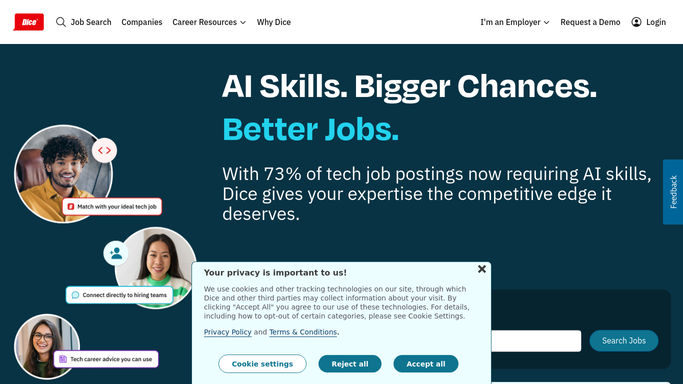
WebRun opens Dice to find applicants matching must-have skills. - Open Dice and check each open tech role for new applicants
- Compare each candidate's skills against the role's must-haves
- Keep only applicants who meet the required skills
Done when Every applicant has been checked against the role's must-have skills.
-
2
Trello - add each to the shortlist
trello.com How to Automate Trello

WebRun updates Trello to add each to the shortlist. - Create a Trello card for each matching applicant
- Note their stack, years of experience, and Dice profile link
Done when Every matching applicant has a Trello card on the shortlist.
-
3
Microsoft Teams - hand off the shortlist
microsoft.com How to Automate Microsoft Teams

WebRun posts in Microsoft Teams to hand off the shortlist. - Post today's shortlist to the hiring manager's Teams channel
- Link each entry to its Trello card for full detail
Done when The hiring manager has today's shortlist in Teams.
How is each run configured?
Secure by default
Connect once, stays signed in
WebRun signs in once and keeps each session in a persistent environment, so every run picks up right where it left off.
Every action is checked against this policy before it runs.
Questions, answered
Does it contact candidates on Dice?
No. WebRun only reads and shortlists applicants. Any outreach to a candidate is still sent by your hiring manager from Dice.
How does it decide who makes the shortlist?
Only applicants whose listed skills match the role's must-haves get a Trello card, so the hiring manager reviews a pre-filtered list, not every applicant.
What if a role has no matching applicants that day?
The Teams post simply notes there is nothing new that day, so you always know the check ran.
Related templates
Put this on autopilot.
Turn it on in minutes - or have our team set it up for you.