Get a daily digest of your Depot build performance
Every morning, WebRun opens Depot, reviews build minutes used and cache hit rate across projects for the last 24 hours, posts a Slack summary, and sends a Telegram alert if usage is tracking to exceed your plan's monthly allowance before the month is over.
- No credit card
- Under $0.01 per run
- Cancel anytime
How do I track my Depot build usage before it exceeds the plan?
WebRun reviews Depot build minutes and cache hit rate every morning, posting a daily Slack digest per project. If month-to-date usage is on pace to exceed the plan's monthly allowance, it also sends a Telegram alert with the projected overage, so a usage spike gets caught with enough runway to act before the bill arrives.
- Build performance is visible every morning without opening a dashboard
- A usage spike gets caught with weeks of runway instead of on the invoice
- Cache hit rate trends are easy to spot day over day
Built for Platform engineering teams · DevOps engineers · engineering managers · infrastructure teams
What does WebRun do on every run?
The exact actions WebRun takes, in order - in plain language, so you can adjust anything.
-
WebRun signs in and gets to work
Opens
depot.dev/loginin a real browser with your saved login - no setup, no API keys. -
1
Depot - review build performance
depot.dev
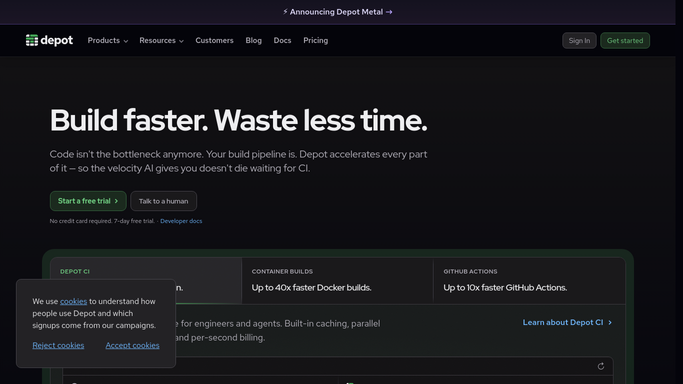
WebRun opens Depot to review build performance. - Open Depot and review build minutes and cache hit rate per project for the last 24 hours
- Compare month-to-date usage against the plan's monthly allowance
- Note whether the current pace would exceed the allowance before month end
Done when Yesterday's build performance is recorded along with the month-to-date usage pace.
-
2
Slack - post the daily digest
slack.com How to Automate Slack

WebRun opens Slack to post the daily digest. - Post the daily digest to the platform Slack channel
- List build minutes used and cache hit rate per project
- Note month-to-date usage as a percentage of the plan
Done when The team has today's Depot build performance digest in Slack.
-
3
Telegram - alert on usage trending high
telegram.org How to Automate Telegram

WebRun opens Telegram to alert on usage trending high. - Send a Telegram alert only if the current pace would exceed the monthly allowance
- Include the projected overage and the days remaining in the billing period
- Skip this step entirely if usage is on track
Done when A usage alert has been sent on Telegram whenever the pace is tracking over the plan.
How is each run configured?
Secure by default
Connect once, stays signed in
WebRun signs in once and keeps each session in a persistent environment, so every run picks up right where it left off.
Every action is checked against this policy before it runs.
Questions, answered
Will WebRun upgrade the plan or change build settings?
No. It only reports on usage and performance. Upgrading a plan or changing build configuration stays a decision for your team.
How is the projected overage calculated?
It divides month-to-date usage by the days elapsed in the billing period and projects that daily pace across the rest of the month.
Does the Telegram alert go out every day?
No, only on days when the projected pace would exceed the plan's monthly allowance. Most days it stays quiet.
Related templates
Put this on autopilot.
Turn it on in minutes - or have our team set it up for you.