Chase Demio no-shows with a replay follow up
Every hour, WebRun checks Demio for sessions that just ended, finds registrants who signed up but did not attend, opens a Trello card per no-show with the replay link attached, and notifies the sales team in Microsoft Teams with the full no-show count.
- No credit card
- Under $0.01 per run
- Cancel anytime
How do I follow up with Demio registrants who did not attend?
WebRun checks Demio every hour for sessions that just ended, finds registrants who signed up but did not attend, opens a Trello card per no-show with the replay link attached, and notifies sales in Microsoft Teams with the total count, so no-shows get a fast, owned follow up instead of falling off the list.
- No-show worklists are ready within an hour of the session ending
- Every card already has the replay link attached
- Sales sees the total count without opening Demio
Built for webinar hosts · B2B marketing · sales teams · SaaS marketing
What does WebRun do on every run?
The exact actions WebRun takes, in order - in plain language, so you can adjust anything.
-
WebRun signs in and gets to work
Opens
my.demio.comin a real browser with your saved login - no setup, no API keys. -
1
Demio - find registrants who did not attend
demio.com
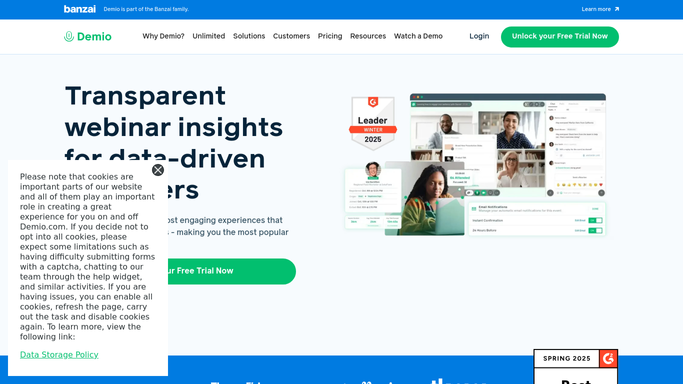
WebRun opens Demio to find registrants who did not attend. - Open Demio and load the attendee report for the session
- Compare registrants against actual attendees
- Confirm the replay link is available
Done when The full no-show list for the session is known, replay confirmed.
-
2
Trello - open a follow up card per no-show
trello.com How to Automate Trello

WebRun opens Trello to open a follow up card per no-show. - Add a card per no-show to the Webinar Follow Up board
- Attach the replay link to each card
- Assign cards to the rep who owns that lead
Done when Every no-show has an owned Trello card with the replay link.
-
3
Microsoft Teams - notify sales
microsoft.com How to Automate Microsoft Teams

WebRun opens Microsoft Teams to notify sales. - Post the total no-show count to the sales channel in Teams
- Link to the Trello board for the full list
- Note the session topic
Done when Sales has been notified in Teams with the no-show count.
How is each run configured?
Secure by default
Connect once, stays signed in
WebRun signs in once and keeps each session in a persistent environment, so every run picks up right where it left off.
Every action is checked against this policy before it runs.
Questions, answered
Does WebRun send the replay link to the no-show directly?
No. It attaches the replay link to an internal Trello card for your sales team. Any email or message to the registrant is sent by your team.
How is a no-show different from someone who left early?
The Demio attendee report distinguishes registrants who never joined from those who attended and left, only true no-shows get a card.
What if a no-show is not assigned to a specific rep?
The card is still created and left unassigned on the board, so it stays visible until a manager assigns it to someone.
Related templates
Put this on autopilot.
Turn it on in minutes - or have our team set it up for you.