Convert free trials to members
Every morning, WebRun opens PushPress, finds free-trial members ending in the next three days, drafts a personal follow-up email in Gmail for each prospect, and posts your team a Slack list of who needs a reply today.
- No credit card
- Under $0.01 per run
- Cancel anytime
How do I automatically follow up with free trial members at my gym?
WebRun checks PushPress every morning for free trials ending within three days, drafts a personal follow-up email in Gmail for each prospect, and posts your team a prioritized Slack worklist. Staff review and send each draft, so no trial member receives an unapproved message and no conversion opportunity is missed.
- Every expiring trial gets a personalized follow-up draft before the period ends
- Staff open Slack each morning to a prioritized conversion list
- High-attendance trial members are flagged first so no warm prospect slips away
Built for CrossFit gym owners · functional fitness coaches · gym membership staff · box owners
What does WebRun do on every run?
The exact actions WebRun takes, in order - in plain language, so you can adjust anything.
-
WebRun signs in and gets to work
Opens
app.pushpress.comin a real browser with your saved login - no setup, no API keys. -
1
PushPress - find trials ending soon
pushpress.com
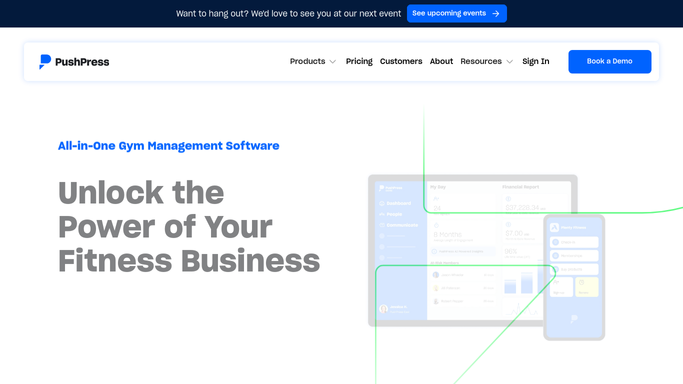
WebRun opens PushPress to find trials ending soon. - Open PushPress and filter members by trial status
- Capture each trial member whose free period ends within three days
- Note their name, class attendance count, and trial end date
Done when Every expiring trial has been listed with attendance and end date.
-
2
Gmail - draft follow-up emails
gmail.com How to Automate Gmail

WebRun opens Gmail to draft follow-up emails. - Draft a short, personal follow-up email for each trial member
- Reference their attendance and suggest the right membership tier
- Save every draft unsent so staff can review and personalize before sending
Done when A reviewed draft email exists in Gmail for every expiring trial member.
-
3
Slack - post conversion worklist
slack.com How to Automate Slack

WebRun opens Slack to post conversion worklist. - Post a conversion worklist to the membership channel naming each trial member
- Include their attendance count and the draft email status
- Flag anyone who attended three or more classes as a priority conversion
Done when Staff have today's trial follow-up worklist in Slack.
How is each run configured?
Secure by default
Connect once, stays signed in
WebRun signs in once and keeps each session in a persistent environment, so every run picks up right where it left off.
Every action is checked against this policy before it runs.
Questions, answered
Will it send emails to trial members automatically?
No. WebRun drafts every follow-up email in Gmail and leaves it unsent. Your staff reviews and personalizes each one before it goes out, so no trial member receives an unapproved message.
How does it decide which trials to prioritize?
It reads each trial member's class attendance from PushPress and flags anyone who attended three or more sessions as a priority, so staff focus their energy on the prospects most likely to convert.
What if a trial member already signed up for a membership?
WebRun reads live membership status in PushPress each morning, so anyone who already converted is automatically skipped and does not appear on the worklist.
Related templates
Put this on autopilot.
Turn it on in minutes - or have our team set it up for you.