Catch chassis stuck out of service too long
Every morning, WebRun opens MRI Intermodal Software, lists every chassis marked out of service, works out how long each has been down, logs those past your repair turnaround target to a Google Sheet, and posts the depot team a Slack summary ranked by days overdue.
- No credit card
- Under $0.01 per run
- Cancel anytime
How do I flag chassis stuck out of service past the repair SLA automatically?
WebRun opens MRI Intermodal Software every morning, lists every chassis marked out of service, and measures how long each has been down against your repair turnaround target. It logs the aging chassis to a Google Sheet, separates parts holds from labor holds, and posts the depot team a Slack summary ranked by days overdue, so nothing lingers unnoticed.
- No chassis sits down past the repair target without someone seeing it
- Parts holds and labor holds are separated so the right person acts
- The three longest-standing chassis surface at the top every morning
Built for container depots · chassis pool operators · M&R managers · equipment control teams
What does WebRun do on every run?
The exact actions WebRun takes, in order - in plain language, so you can adjust anything.
-
WebRun signs in and gets to work
Opens
www.mriintermodal.comin a real browser with your saved login - no setup, no API keys. -
1
MRI Intermodal Software - list out-of-service chassis
mriintermodal.com How to Automate MRI Intermodal Software
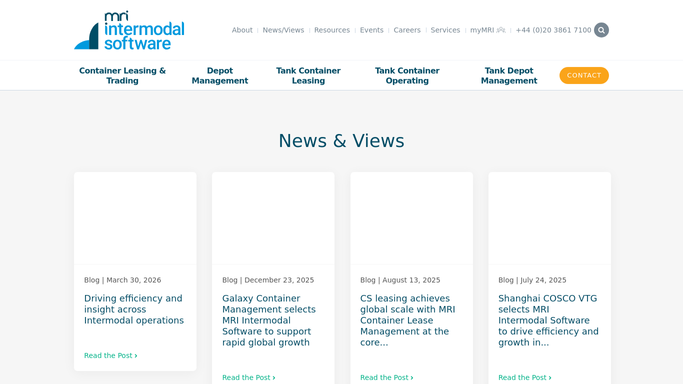
WebRun opens MRI Intermodal Software to list out-of-service chassis. - Open MRI Intermodal Software and filter chassis to an out-of-service status
- Capture each chassis number, the fault, the date it went out of service, and any open work order
- Calculate the days out of service against your repair turnaround target
- Separate chassis awaiting parts from those awaiting labor
Done when Every out-of-service chassis is listed with its days down and the reason it is waiting.
-
2
Google Sheets - log the aging chassis
google.com How to Automate Google Sheets

WebRun opens Google Sheets to log the aging chassis. - Open the Chassis Out-Of-Service sheet
- Append or update a row per chassis with days down, fault, and blocker
- Highlight any chassis past the repair turnaround target
- Sort by days out of service, longest first
Done when The sheet shows every out-of-service chassis ranked by how long it has been down.
-
3
Slack - summarize what is overdue
slack.com How to Automate Slack

WebRun opens Slack to summarize what is overdue. - Post a summary to the depot channel of chassis past the repair target
- Group them by blocker so parts holds and labor holds are clear
- Name the three longest-standing chassis first with their days down
Done when The depot team has a Slack summary of every chassis past its repair target.
How is each run configured?
Secure by default
Connect once, stays signed in
WebRun signs in once and keeps each session in a persistent environment, so every run picks up right where it left off.
Every action is checked against this policy before it runs.
Questions, answered
Does it change any chassis status or work order?
No. WebRun only reads chassis records in MRI Intermodal Software and reports on them. It never edits a status, closes a work order, or reassigns a repair. It surfaces what is overdue for your team to act on.
Will it message customers or lessors about a down chassis?
No. This posts an internal Slack summary and updates an internal Google Sheet only. It does not contact any customer, lessor, or vendor. Outbound notices are handled by separate workflows that draft for review.
How is the repair turnaround target set?
You set the target in days in your run settings, and it can differ by fault type. WebRun measures each chassis against that target and flags only the ones that have exceeded it.
Related templates
Put this on autopilot.
Turn it on in minutes - or have our team set it up for you.