Surface accounts ready to escalate before they age out
Every morning, WebRun opens TrueAccord, identifies accounts that have reached a defined outreach threshold without payment or response, scores each by balance and account age, logs the escalation candidates in Airtable, and posts a Slack summary for your collections manager to decide on next steps.
- No credit card
- Under $0.01 per run
- Cancel anytime
How can I automatically identify debt collection accounts that need to be escalated?
WebRun opens TrueAccord every morning, finds accounts that have exhausted digital outreach cycles without payment or response, scores each by balance and age, and logs them in an Airtable escalation queue. A Slack alert prompts the collections manager to assign the next step before accounts age further.
- Accounts needing escalation surfaced daily before they age past recovery
- Manager opens Airtable to a scored decision queue instead of searching for candidates
- Legal referral and write-off decisions made proactively, not reactively
Built for debt collection agencies · collections managers · legal collections teams · portfolio managers
What does WebRun do on every run?
The exact actions WebRun takes, in order - in plain language, so you can adjust anything.
-
WebRun signs in and gets to work
Opens
app.trueaccord.comin a real browser with your saved login - no setup, no API keys. -
1
TrueAccord - identify accounts past outreach threshold
trueaccord.com
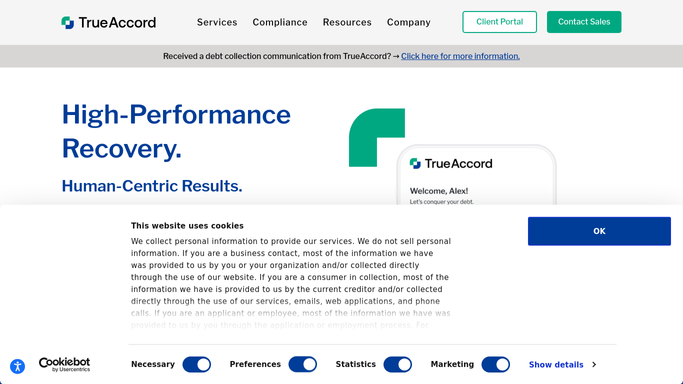
WebRun opens TrueAccord to identify accounts past outreach threshold. - Open TrueAccord and filter for accounts that have received the maximum configured digital outreach cycles without any debtor response or payment
- Capture account ID, balance, placement date, days since last contact attempt, and total outreach attempts
- Exclude accounts already on a payment plan, in dispute, or on cease-contact status
Done when All accounts past the outreach threshold are listed with balance, age, and attempt history.
-
2
Airtable - log escalation candidates with scoring
airtable.com How to Automate Airtable

WebRun opens Airtable to log escalation candidates with scoring. - Open the escalation candidate tracker base in Airtable
- Upsert each account record with its balance, placement age, and attempt count
- Assign a priority score: high for balances over your threshold, medium for mid-range, low for smaller balances
- Add an escalation decision field with options: legal referral, skip-trace, settlement offer, write-off
Done when Each escalation candidate has a scored Airtable record with a decision field ready for manager input.
-
3
Slack - alert collections manager to review candidates
slack.com How to Automate Slack

WebRun opens Slack to alert collections manager to review candidates. - Post a Slack alert to the collections manager with the count of new escalation candidates and the top 5 by balance
- Note the aggregate outstanding balance across all candidates
- Link to the Airtable base for the manager to assign escalation decisions
Done when Collections manager has a Slack alert with today's escalation candidates ready for decisioning.
How is each run configured?
Secure by default
Connect once, stays signed in
WebRun signs in once and keeps each session in a persistent environment, so every run picks up right where it left off.
Every action is checked against this policy before it runs.
Questions, answered
Does it escalate accounts automatically, such as sending to a law firm?
No. WebRun flags candidates and routes them to an Airtable decision queue. The collections manager selects the escalation path (legal referral, skip-trace, settlement, write-off) for each account. No action is taken without a human decision.
How is the outreach threshold defined?
The threshold is the maximum number of TrueAccord outreach cycles configured for your portfolio. You set this number before the first run, and WebRun flags any account that has reached or exceeded it without resolution.
Will it re-flag accounts it has already surfaced as escalation candidates?
No. WebRun checks the Airtable record for each account and skips those already in the escalation queue. Only newly eligible accounts are added each day, preventing duplicate entries for the same case.
Related templates
Put this on autopilot.
Turn it on in minutes - or have our team set it up for you.