Check in on wholesale cafe accounts before they go quiet
Every Monday, WebRun opens Cropster, reviews each wholesale cafe account's recent order volume against its normal pattern, flags any account that has gone quiet or ordered noticeably less, drafts a friendly relationship check in email in Gmail for each flagged account, and posts a Slack summary to the account manager naming who was flagged and why.
- No credit card
- Under $0.01 per run
- Cancel anytime
How do I check in on wholesale cafe accounts before they go quiet?
Every Monday, WebRun reviews each wholesale cafe account's order volume in Cropster against its own normal pattern, flags any account that has gone quiet or dropped noticeably, and drafts a friendly relationship check in email in Gmail for each one, left unsent for your account manager to review, so a slipping account gets a human touch before it churns.
- Slipping accounts get a human check in before they quietly churn to another roaster
- Account managers review a drafted email instead of writing one from scratch
- Accounts already explained can be skipped for a set window
Built for wholesale coffee roasters · account managers · roastery sales teams
What does WebRun do on every run?
The exact actions WebRun takes, in order - in plain language, so you can adjust anything.
-
WebRun signs in and gets to work
Opens
app.cropster.comin a real browser with your saved login - no setup, no API keys. -
1
Cropster - find accounts whose order volume has dropped
cropster.com How to Automate Cropster
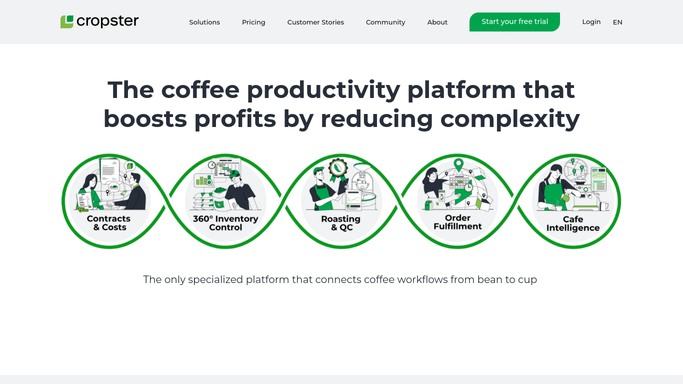
WebRun opens Cropster to find accounts whose order volume has dropped. - Open Cropster and pull each wholesale cafe account's order history for the last 90 days
- Compare recent order volume and frequency against that account's normal pattern
- Flag any account that has gone quiet or dropped noticeably in volume
Done when Every wholesale account showing a drop in order volume or activity is flagged with the details.
-
2
Gmail - draft a check in email for each account
gmail.com How to Automate Gmail

WebRun opens Gmail to draft a check in email for each account. - Draft a short, friendly check in email for each flagged account
- Ask how things are going and mention their usual order without sounding like a sales pitch
- Save every check in as a Gmail draft. Do not send any of them
Done when A draft check in email exists in Gmail for every flagged account, unsent.
-
3
Slack - summarize who was flagged for the account manager
slack.com How to Automate Slack

WebRun opens Slack to summarize who was flagged for the account manager. - Post a Slack summary to the account manager naming every flagged account
- Include the drop in order volume or the days since their last order for each
- Ask the account manager to review and send the relevant Gmail draft
Done when The account manager has a Slack summary of every flagged account and its drafted check in.
How is each run configured?
Secure by default
Connect once, stays signed in
WebRun signs in once and keeps each session in a persistent environment, so every run picks up right where it left off.
Every action is checked against this policy before it runs.
Questions, answered
Will it email my wholesale accounts without me reviewing it first?
No. Every check in is saved as a Gmail draft only. Your account manager reviews and sends each one, WebRun never emails a customer on its own.
How does it decide an account has gone quiet?
It compares each account's recent order volume and frequency in Cropster against that same account's own normal pattern, so the threshold reflects their history, not a generic rule applied to everyone.
What if an account already explained why they slowed down?
Tell WebRun to skip that account for a set number of weeks and it will leave them out of the check in list until that window passes.
Related templates
Put this on autopilot.
Turn it on in minutes - or have our team set it up for you.