Bring recurring clients back before they drift away
Every Monday, WebRun opens ZenMaid, finds recurring clients who are past their expected rebooking window, drafts a personalised nudge email for each one, and posts a summary of who needs follow-up to Slack for your review.
- No credit card
- Under $0.01 per run
- Cancel anytime
How do I automatically follow up with recurring cleaning clients who need to rebook?
WebRun reviews ZenMaid every Monday for recurring clients whose next clean is overdue based on their usual frequency. It drafts a personalised rebooking email for each lapsing client, holds the drafts in Gmail for your approval, and posts a prioritised queue to Slack so nothing slips through.
- Lapsing recurring clients are caught and contacted before they book a competitor
- Draft emails are ready to send in minutes, not hours of manual outreach
- High-value clients are flagged first so your effort goes to the right accounts
Built for residential cleaning companies · maid service operators · house cleaning businesses · recurring-service cleaning teams
What does WebRun do on every run?
The exact actions WebRun takes, in order - in plain language, so you can adjust anything.
-
WebRun signs in and gets to work
Opens
app.zenmaid.comin a real browser with your saved login - no setup, no API keys. -
1
ZenMaid - find clients overdue for rebooking
zenmaid.com
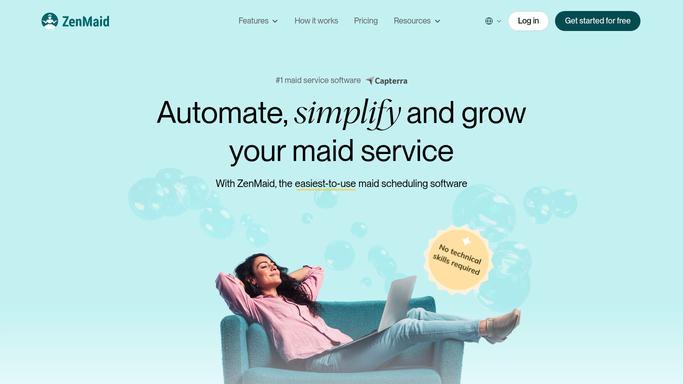
WebRun opens ZenMaid to find clients overdue for rebooking. - Open ZenMaid and review the client list with their last appointment dates
- Identify recurring clients whose next scheduled appointment is missing or overdue by more than their usual cadence
- Capture the client name, email, last clean date, and typical frequency (weekly, bi-weekly, monthly)
Done when Every lapsing recurring client is listed with their last clean date and expected frequency.
-
2
Gmail - draft personalised rebooking nudges
gmail.com How to Automate Gmail

WebRun opens Gmail to draft personalised rebooking nudges. - Draft a warm, personalised rebooking email for each client referencing their usual frequency
- Include an easy booking prompt such as a direct link or a call to reply
- Leave every email as a draft for your review before sending
Done when One draft rebooking email is ready per lapsing client.
-
3
Slack - report the rebooking queue
slack.com How to Automate Slack

WebRun opens Slack to report the rebooking queue. - Post a Slack summary listing each client, their last clean date, and the days overdue
- Flag any high-value or long-standing clients at the top
- Note how many draft emails are waiting for approval in Gmail
Done when The ops channel has this week's rebooking queue with draft counts.
How is each run configured?
Secure by default
Connect once, stays signed in
WebRun signs in once and keeps each session in a persistent environment, so every run picks up right where it left off.
Every action is checked against this policy before it runs.
Questions, answered
Will it email clients automatically without me checking?
No. Every rebooking email is drafted in Gmail and held for your review. You read, adjust the tone if needed, and send it yourself, so every message reflects your voice.
How does it know when a client is overdue for rebooking?
It reads the client's historical booking frequency in ZenMaid and compares it to their last completed appointment date. A weekly client with no booking after 10 days, for example, is flagged automatically.
What if a client has already rebooked on their own?
It checks for a future scheduled appointment in ZenMaid before drafting anything. Clients who already have a booking on the calendar are skipped.
Related templates
Put this on autopilot.
Turn it on in minutes - or have our team set it up for you.