Start every day with a complete crew schedule in Slack
Every morning, WebRun opens Swept, pulls today's scheduled jobs sorted by crew and route, logs the full schedule to a Google Sheet for records, and posts a clean crew-by-crew digest to Slack so supervisors and cleaners start the day fully informed.
- No credit card
- Under $0.01 per run
- Cancel anytime
How do I automatically send a daily cleaning crew schedule to my team?
WebRun opens Swept every morning, pulls the full day's job schedule sorted by crew and route, logs it to a Google Sheet, and posts a formatted crew-by-crew digest to Slack. Every supervisor starts the day knowing exactly which sites are covered, who is assigned, and where special instructions apply.
- Every crew lead starts the day with a complete, accurate job list in Slack
- Unassigned or flagged jobs surface automatically so ops can act before shifts start
- A timestamped Google Sheet record supports payroll verification and client reporting
Built for commercial janitorial companies · cleaning franchise operations · multi-crew residential cleaning services · facilities management teams
What does WebRun do on every run?
The exact actions WebRun takes, in order - in plain language, so you can adjust anything.
-
WebRun signs in and gets to work
Opens
app.sweptworks.comin a real browser with your saved login - no setup, no API keys. -
1
Swept - pull today's jobs by crew
sweptworks.com
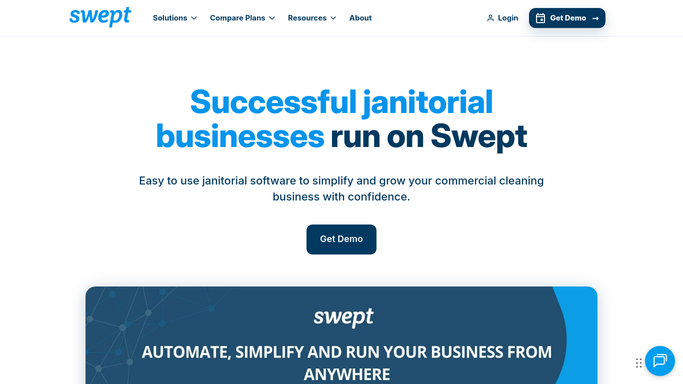
WebRun opens Swept to pull today's jobs by crew. - Open Swept and navigate to the daily schedule view
- Pull all jobs assigned for today, sorted by crew and start time
- Capture the site name, address, assigned cleaner(s), start time, and any special instructions for each job
Done when Today's full job list is captured with crew assignments and site details.
-
2
Google Sheets - log schedule to roster sheet
google.com How to Automate Google Sheets

WebRun opens Google Sheets to log schedule to roster sheet. - Append today's schedule rows to the running roster sheet with date, crew, site, and time
- Flag any job with missing cleaner assignments or special-instruction notes
Done when Today's schedule is logged to the roster sheet for records and payroll reference.
-
3
Slack - post crew-by-crew digest
slack.com How to Automate Slack

WebRun opens Slack to post crew-by-crew digest. - Post a formatted digest to the crew channel grouping jobs by crew lead
- Include site name, address, start time, and any special notes per job
- Highlight any jobs that are unassigned or have urgent instructions
Done when The crew channel has a complete, crew-sorted schedule for today.
How is each run configured?
Secure by default
Connect once, stays signed in
WebRun signs in once and keeps each session in a persistent environment, so every run picks up right where it left off.
Every action is checked against this policy before it runs.
Questions, answered
Is this digest sent to clients or only to internal staff?
This is a purely internal digest. It posts to your Slack workspace for supervisors and crew leads only. No client-facing messages are sent by this workflow.
What happens if a job is added or changed after the morning run?
The digest reflects the schedule at the time it runs each morning. For mid-day changes, you can trigger a manual re-run or post an update directly in Slack. The Google Sheet log also provides a daily reference point.
Can it post separate messages per crew lead?
By default it posts a single grouped digest. If your Slack workspace has per-crew channels, the workflow can be adjusted to post each crew's jobs to their own channel.
Related templates
Put this on autopilot.
Turn it on in minutes - or have our team set it up for you.