Turn every new Capsule lead into a first-week plan
Whenever a new contact appears in Capsule, WebRun reads the record, its tags, source and any linked opportunity, creates a Trello card carrying your standard first-week checklist with those details filled in, and sends the assigned owner a short WhatsApp ping so the lead gets a human touch on day one.
- No credit card
- Under $0.01 per run
- Cancel anytime
How do I make sure every new CRM lead gets followed up in week one?
WebRun turns every new Capsule contact into an owned plan. It reads the record, its tags, source and linked opportunity, creates a Trello card carrying your first-week checklist with those details filled in, and WhatsApps the assigned owner the card link, so a fresh lead is actioned on day one.
- Every new lead has an owner and a checklist within the hour
- No lead sits in the CRM untouched for a week
- Duplicate contacts never create duplicate work
Built for small sales teams · agencies · consultancies · B2B service firms
What does WebRun do on every run?
The exact actions WebRun takes, in order - in plain language, so you can adjust anything.
-
WebRun signs in and gets to work
Opens
app.capsulecrm.comin a real browser with your saved login - no setup, no API keys. -
1
Capsule - read the new contact record
capsulecrm.com
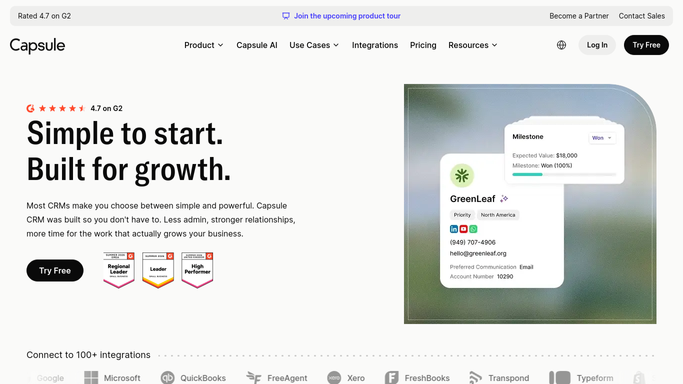
WebRun opens Capsule to read the new contact record. - Open Capsule and list contacts added since the last run
- Read each one's organisation, tags, source, owner, and any linked opportunity
- Skip contacts that already have a Trello card from an earlier run
Done when Every new Capsule contact is captured with its owner, source, and tags.
-
2
Trello - build the first-week checklist
trello.com How to Automate Trello

WebRun opens Trello to build the first-week checklist. - Create a Trello card per new contact on your new-business board
- Add your standard first-week checklist: introduction call, needs summary, proposal outline, follow-up date
- Fill the card description with the contact details, source, and opportunity value, and assign it to the Capsule owner
Done when Each new contact has one assigned Trello card with the checklist filled in.
-
3
WhatsApp - ping the owner
whatsapp.com How to Automate WhatsApp

WebRun opens WhatsApp to ping the owner. - Send the assigned owner a short WhatsApp ping naming the contact, the company, and the source
- Include the Trello card link so the checklist opens in one tap
- Message your own team only. WebRun never contacts the lead
Done when Every new lead's owner has been pinged with the card link.
How is each run configured?
Secure by default
Connect once, stays signed in
WebRun signs in once and keeps each session in a persistent environment, so every run picks up right where it left off.
Every action is checked against this policy before it runs.
Questions, answered
Will it email or message the new lead?
No. WebRun only builds the internal Trello card and pings your own owner on WhatsApp. The first contact with the lead is made by a person, in their own words.
What goes on the checklist?
Your own first-week steps, which most teams set as introduction call, needs summary, proposal outline, and a booked follow-up date. Give WebRun your list once and every card is built from it.
What if the same contact is added twice?
WebRun checks the board for an existing card before creating one, so a duplicated or re-imported Capsule contact does not produce a second card or a second ping.
Related templates
Put this on autopilot.
Turn it on in minutes - or have our team set it up for you.