Confirm custom cut orders for your customers
When a new custom cut order is entered in Markt POS, WebRun drafts a confirmation email with the cut, approximate weight, price, and pickup date, logs the order to Google Sheets, and leaves the email queued for staff to review and send from Gmail.
- No credit card
- Under $0.01 per run
- Cancel anytime
How do I send confirmations for custom cut orders?
WebRun confirms custom cut orders without emailing customers on its own. When a new order is entered in Markt POS, it drafts a confirmation email with the cut, weight, price, and pickup date in Gmail, logs the order to Google Sheets, and flags anything left unconfirmed for a day, so every customer still gets a timely, human reviewed confirmation.
- Every custom order gets a drafted confirmation the same day it's placed
- No confirmation email leaves the shop without a human reading it first
- Orders left unconfirmed for a day get flagged automatically
Built for butcher shops · meat markets · specialty meat counters · custom order butchers
What does WebRun do on every run?
The exact actions WebRun takes, in order - in plain language, so you can adjust anything.
-
WebRun signs in and gets to work
Opens
marktpos.comin a real browser with your saved login - no setup, no API keys. -
1
Markt POS - catch the new custom cut order
marktpos.com How to Automate Markt POS
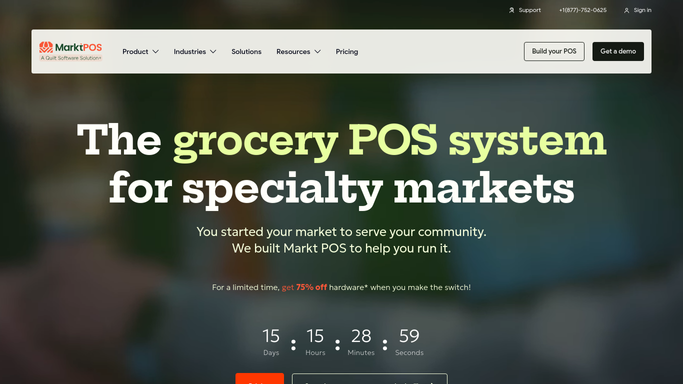
WebRun opens Markt POS to catch the new custom cut order. - Watch Markt POS for newly entered custom cut orders
- Capture the cut, approximate weight, price, and requested pickup date
- Note the customer's name and contact email
Done when Every new custom cut order is captured with its details.
-
2
Gmail - draft the confirmation email
gmail.com How to Automate Gmail

WebRun opens Gmail to draft the confirmation email. - Draft a confirmation email with the order details and pickup date
- Use the shop's standard confirmation template and tone
- Leave the email in Drafts. Never send it automatically
Done when A drafted confirmation email exists for every new custom cut order.
-
3
Google Sheets - log the order and its status
google.com How to Automate Google Sheets

WebRun opens Google Sheets to log the order and its status. - Log the order with its details and confirmation status
- Mark it confirmed once staff sends the email
- Flag any order still unconfirmed after 1 business day
Done when Every custom cut order is logged with a clear confirmed or pending status.
How is each run configured?
Secure by default
Connect once, stays signed in
WebRun signs in once and keeps each session in a persistent environment, so every run picks up right where it left off.
Every action is checked against this policy before it runs.
Questions, answered
Will it email the customer without anyone checking it first?
No. Every confirmation is drafted in Gmail and left unsent. A staff member reads it over and sends it themselves.
What details does the confirmation include?
The cut, approximate weight, price, and requested pickup date, pulled straight from the order entered in Markt POS.
How do I know if a confirmation hasn't gone out yet?
The Google Sheets log flags any order still unconfirmed after 1 business day, so nothing sits forgotten in Drafts.
Related templates
Put this on autopilot.
Turn it on in minutes - or have our team set it up for you.