Get a daily Bold BI KPI status digest
Every morning, WebRun opens Bold BI, reads the current value of every tracked KPI on your key dashboards, archives a dated report to Google Drive, and posts the KPI digest with each metric's daily change to Slack.
- No credit card
- Under $0.01 per run
- Cancel anytime
How do I get a daily Bold BI KPI digest?
WebRun reads every tracked KPI on your key Bold BI dashboards each morning, archives a dated report to Google Drive, and posts the digest with each metric's daily change to Slack. Operations and business teams see the full KPI picture every morning with a complete archived history building up behind it.
- The full KPI picture lands in Slack every morning
- A complete dated archive builds up in Google Drive automatically
- Sharp moves are flagged instead of left for someone to notice
Built for operations teams · business analysts · BI teams
What does WebRun do on every run?
The exact actions WebRun takes, in order - in plain language, so you can adjust anything.
-
WebRun signs in and gets to work
Opens
boldbi.comin a real browser with your saved login - no setup, no API keys. -
1
Bold BI - read the tracked KPIs
boldbi.com
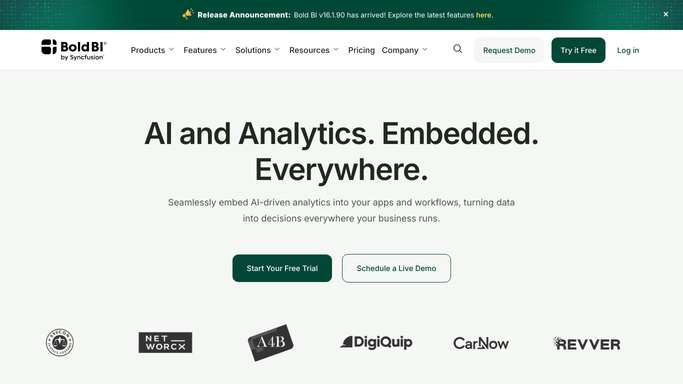
WebRun opens Bold BI to read the tracked KPIs. - Open the tracked dashboards in Bold BI
- Read the current value of every tracked KPI
- Compare each against yesterday's value
Done when Today's KPI values are read and compared to yesterday.
-
2
Google Drive - archive the report
drive.google.com How to Automate Google Drive

WebRun opens Google Drive to archive the report. - Open the KPI archive folder in Google Drive
- Save today's dashboard report as a dated file
- Keep the folder organized by day
Done when Today's report is archived in Drive.
-
3
Slack - post the KPI digest
slack.com How to Automate Slack

WebRun opens Slack to post the KPI digest. - Open the operations channel in Slack
- Post every tracked KPI with its change from yesterday
- Flag anything that moved sharply
Done when The team has today's KPI digest in Slack.
How is each run configured?
Secure by default
Connect once, stays signed in
WebRun signs in once and keeps each session in a persistent environment, so every run picks up right where it left off.
Every action is checked against this policy before it runs.
Questions, answered
Does WebRun edit any dashboard or KPI definition?
No. It only reads the current values shown. Editing a dashboard, a KPI, or its data stays a human task.
How far back does the archive go?
As far back as the Google Drive folder has files. Every day gets its own dated report, so nothing overwrites a prior day.
Will every KPI be listed even if nothing changed?
Yes. Every tracked KPI appears in the digest every day, so the report stays a complete daily record, not just the movers.
Related templates
Put this on autopilot.
Turn it on in minutes - or have our team set it up for you.