See your type and screen turnaround times every week
Every Monday, WebRun opens SCC Soft Computer (SoftBank), pulls order and result timestamps for every type and screen from the past week, calculates turnaround time against your STAT and routine targets, and emails the lab director a compliance summary through Outlook with any outliers called out.
- No credit card
- Under $0.01 per run
- Cancel anytime
How do I track type and screen turnaround time compliance automatically?
WebRun pulls every type and screen order from SCC Soft Computer (SoftBank) each week, calculates turnaround time against your STAT and routine targets, and flags any that missed. It emails the lab director a compliance summary through Outlook every Monday, grouping missed targets by shift so patterns are easy to spot and act on.
- Turnaround compliance is measured every week without a manual pull
- STAT and routine targets are reported separately so neither skews the other
- Shifts with recurring missed targets are called out automatically
Built for hospital blood banks · laboratory directors · transfusion service quality teams · pathology administrators
What does WebRun do on every run?
The exact actions WebRun takes, in order - in plain language, so you can adjust anything.
-
WebRun signs in and gets to work
Opens
www.softcomputer.comin a real browser with your saved login - no setup, no API keys. -
1
SCC Soft Computer (SoftBank) - pull order and result timestamps
softcomputer.com How to Automate SCC Soft Computer (SoftBank)
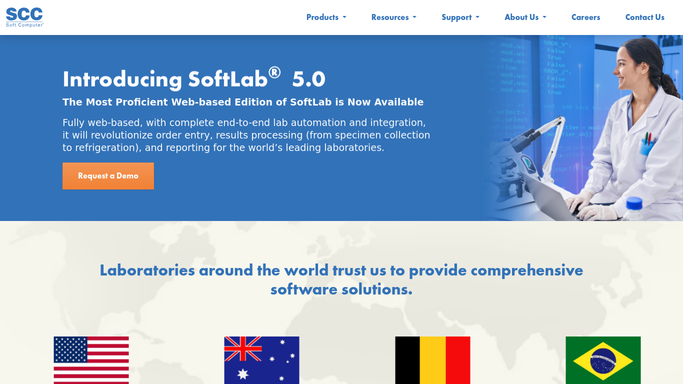
WebRun opens SCC Soft Computer (SoftBank) to pull order and result timestamps. - Open SCC Soft Computer (SoftBank) and pull all type and screen orders completed in the past 7 days
- Calculate turnaround from order time to final result for each, separating STAT from routine
- Compare each turnaround against your target and flag any that missed it
- Group missed targets by shift to spot a pattern
Done when Every type and screen from the past week has a calculated turnaround and a pass or miss flag.
-
2
Outlook - email the compliance summary
microsoft.com How to Automate Outlook

WebRun opens Outlook to email the compliance summary. - Draft the weekly turnaround compliance summary with overall pass rate, STAT versus routine breakdown, and flagged outliers
- Send it to the lab director's inbox every Monday morning
- List the shift with the most missed targets so it can be reviewed first
Done when The lab director has this week's compliance summary with outliers ready to review.
How is each run configured?
Secure by default
Connect once, stays signed in
WebRun signs in once and keeps each session in a persistent environment, so every run picks up right where it left off.
Every action is checked against this policy before it runs.
Questions, answered
Does it change how orders are processed to hit the target?
No. WebRun only measures and reports turnaround from timestamps already in SCC Soft Computer (SoftBank). How orders are worked on the bench is always your team's call.
How does it tell STAT and routine apart?
It reads the order priority already set in SCC Soft Computer (SoftBank) for each type and screen, and reports the two turnaround targets separately so a busy STAT queue does not skew the routine average.
Can it flag a pattern, not just a single miss?
Yes. It groups missed targets by shift each week, so a director can see if misses cluster around a particular shift or time of day instead of looking one order at a time.
Related templates
Put this on autopilot.
Turn it on in minutes - or have our team set it up for you.