Get pinged the moment a Beanstalk deploy fails
Every few minutes, WebRun checks Beanstalk for deployments that just failed, messages the on-call developer on WhatsApp with the environment and error, and adds a Google Calendar reminder an hour later to confirm the redeploy actually went through.
- No credit card
- Under $0.01 per run
- Cancel anytime
How do I get notified immediately when a Beanstalk deploy fails?
WebRun checks Beanstalk every few minutes for deployments that just failed, and messages the on-call developer on WhatsApp with the environment and the error the moment it happens. It also adds a Google Calendar reminder an hour later to confirm the redeploy went through, so a failed deploy gets both an immediate ping and a follow-up check.
- A failed deploy gets a WhatsApp ping within minutes
- A follow-up reminder makes sure the redeploy actually gets checked
- Nothing depends on someone remembering to look back later
Built for Small engineering teams · agencies managing client deploys · DevOps engineers · solo developers
What does WebRun do on every run?
The exact actions WebRun takes, in order - in plain language, so you can adjust anything.
-
WebRun signs in and gets to work
Opens
beanstalkapp.com/loginin a real browser with your saved login - no setup, no API keys. -
1
Beanstalk - check deployment status
beanstalkapp.com
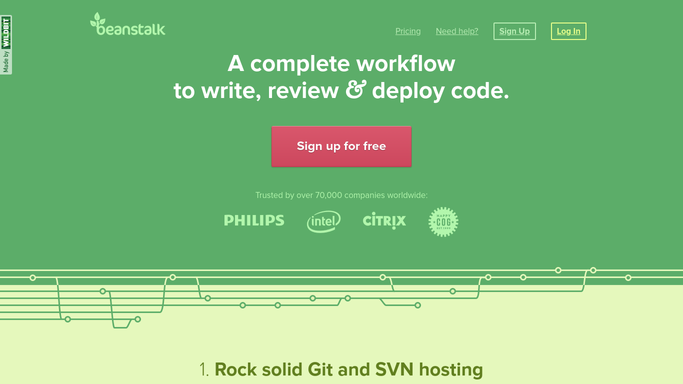
WebRun opens Beanstalk to check deployment status. - Open Beanstalk and check the status of recent deployments across environments
- Identify any deployment that just failed
- Note the environment, the repository, and the error reported
Done when Every newly failed deployment is identified with its environment and error.
-
2
WhatsApp - message the on-call developer
whatsapp.com How to Automate WhatsApp

WebRun opens WhatsApp to message the on-call developer. - Message the on-call developer on WhatsApp
- Include the environment, repository, and the error from the failed deployment
- Ask them to confirm they are looking into it
Done when The on-call developer has been messaged about the failed deployment.
-
3
Google Calendar - schedule a follow-up reminder
calendar.google.com How to Automate Google Calendar

WebRun opens Google Calendar to schedule a follow-up reminder. - Add a reminder to the on-call developer's Google Calendar for one hour later
- Title it as a check that the environment was successfully redeployed
- Include a link back to the Beanstalk deployment history
Done when A follow-up reminder is scheduled to confirm the redeploy succeeded.
How is each run configured?
Secure by default
Connect once, stays signed in
WebRun signs in once and keeps each session in a persistent environment, so every run picks up right where it left off.
Every action is checked against this policy before it runs.
Questions, answered
Will WebRun retry the deployment itself?
No. It only alerts and schedules a follow-up check. Triggering the redeploy stays a manual action for the on-call developer.
Which environments does it watch?
Whichever environments you connect it to, typically staging and production. You control the list.
What if the redeploy already succeeded by the time of the reminder?
The calendar reminder is just a prompt to check. If the redeploy already succeeded, the developer can dismiss it in seconds.
Related templates
Put this on autopilot.
Turn it on in minutes - or have our team set it up for you.