Get a weekly scorecard of what Barracuda blocked in email
Every Monday, WebRun opens Barracuda Email Protection, reviews the past week's blocked phishing, spam, and malware threats, schedules a review meeting on Google Calendar if blocked volume spiked, and sends you a WhatsApp scorecard of this week's totals.
- No credit card
- Under $0.01 per run
- Cancel anytime
How do I get a weekly summary of what Barracuda blocked in email?
WebRun reviews Barracuda Email Protection every Monday for the past week's blocked phishing, spam, and malware threats, sends you a WhatsApp scorecard comparing totals against last week, and schedules a Google Calendar review meeting only if blocked volume spiked. It never changes an email security rule itself, only reports and flags.
- Blocked threat totals are tracked weekly instead of checked on demand
- A review meeting gets scheduled automatically only when volume spikes
- No email content is ever shared, only counts by threat type
Built for IT admins · email security administrators · small business owners · managed service providers
What does WebRun do on every run?
The exact actions WebRun takes, in order - in plain language, so you can adjust anything.
-
WebRun signs in and gets to work
Opens
www.barracuda.comin a real browser with your saved login - no setup, no API keys. -
1
Barracuda Networks - review blocked email threats
barracuda.com
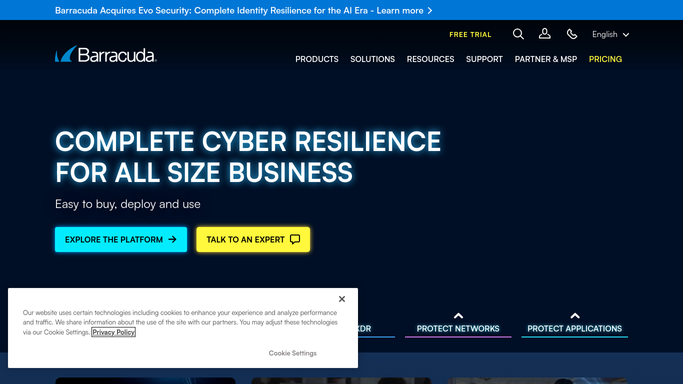
WebRun opens Barracuda Networks to review blocked email threats. - Open Barracuda Email Protection and review blocked threats for the past week
- Break down totals by phishing, spam, and malware
- Compare this week's volume against the prior week
Done when This week's blocked threats are broken down by type and compared to last week.
-
2
Google Calendar - schedule a review if volume spikes
calendar.google.com How to Automate Google Calendar

WebRun opens Google Calendar to schedule a review if volume spikes. - Open Google Calendar and check for an existing review event
- Schedule a review meeting this week if blocked volume spiked sharply
- Skip scheduling if volume is in the normal range
Done when A review meeting is on the calendar only when volume spiked.
-
3
WhatsApp - send you the scorecard
whatsapp.com How to Automate WhatsApp

WebRun opens WhatsApp to send you the scorecard. - Send you a WhatsApp message with this week's blocked threat totals by type
- Compare it against last week's totals
- Note whether a review meeting was scheduled
Done when You have this week's scorecard in WhatsApp.
How is each run configured?
Secure by default
Connect once, stays signed in
WebRun signs in once and keeps each session in a persistent environment, so every run picks up right where it left off.
Every action is checked against this policy before it runs.
Questions, answered
Does WebRun change any email security rules?
No. WebRun only reads blocked threat counts and reports them. Any rule or policy change stays a manual step for your email security admin.
Does the scorecard include the content of blocked emails?
No. It only shares counts by threat type, never the content of a blocked phishing or spam message.
What triggers the review meeting?
Only a sharp spike in blocked volume compared to the prior week. Normal weeks get the WhatsApp scorecard with no meeting scheduled.
Related templates
Put this on autopilot.
Turn it on in minutes - or have our team set it up for you.