Get a weekly readout of everything Aura is watching
Every Monday, WebRun opens Aura, reviews new identity theft, credit, and dark web monitoring alerts from the past week, logs each one to Google Sheets with its category and date, and posts a summary to Notion so nothing gets missed between checks.
- No credit card
- Under $0.01 per run
- Cancel anytime
How do I keep track of everything Aura flags across identity and credit monitoring?
WebRun reviews Aura every Monday for new identity, credit, and dark web monitoring alerts from the past week, logs each one to Google Sheets by category and severity, and posts a summary to Notion. It never resolves or disputes an alert itself, only reports what Aura found so you can act on it.
- Every alert is logged by category, so patterns are visible over time
- High severity alerts are called out first instead of buried in a list
- No financial account numbers are ever read, only alert metadata
Built for individuals monitoring identity theft risk · families · small business owners · security-conscious households
What does WebRun do on every run?
The exact actions WebRun takes, in order - in plain language, so you can adjust anything.
-
WebRun signs in and gets to work
Opens
aura.comin a real browser with your saved login - no setup, no API keys. -
1
Aura - review monitoring alerts
aura.com
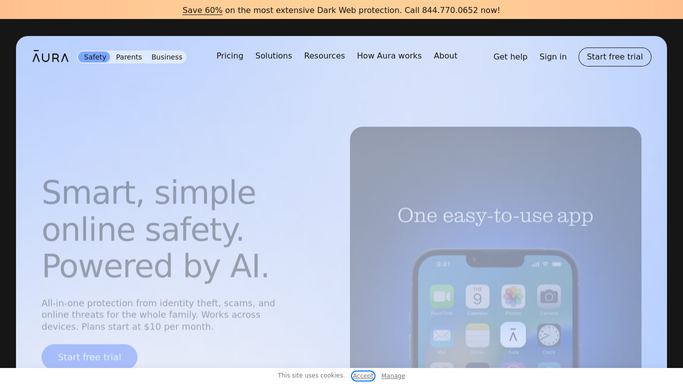
WebRun opens Aura to review monitoring alerts. - Open Aura and review alerts from the past week
- Note the category, such as credit, dark web, or identity, for each
- Flag anything marked high severity
Done when This week's alerts are listed by category and severity.
-
2
Google Sheets - log each alert
google.com How to Automate Google Sheets

WebRun opens Google Sheets to log each alert. - Open the monitoring log in Google Sheets
- Add a row for each new alert with category, date, and severity
- Keep prior weeks so patterns are visible over time
Done when The Google Sheets log matches this week's alerts.
-
3
Notion - post the digest
notion.so How to Automate Notion

WebRun opens Notion to post the digest. - Open the personal security page in Notion
- Post a summary of this week's alert count by category
- Call out anything high severity at the top
Done when The Notion page shows this week's monitoring digest.
How is each run configured?
Secure by default
Connect once, stays signed in
WebRun signs in once and keeps each session in a persistent environment, so every run picks up right where it left off.
Every action is checked against this policy before it runs.
Questions, answered
Does WebRun resolve or dispute an alert itself?
No. WebRun only reads and logs alerts. Disputing a fraudulent charge or freezing credit is always a step you take yourself, following Aura's own guidance.
Does it read sensitive account or financial numbers?
No. It only reads alert metadata, such as category, date, and severity, never full account numbers or financial details.
What happens to an alert once it's resolved?
It stays in the Google Sheets log with a resolved status once Aura shows it as closed, so the history is complete.
Related templates
Put this on autopilot.
Turn it on in minutes - or have our team set it up for you.