Start the day knowing your cash position
Every morning, WebRun signs in to ANZ, reads the available balance on each business account, adds up the payments already scheduled for the next seven days, posts the combined cash position and the overnight change to your finance Slack channel, and warns your leadership Teams channel when a projected balance would fall under the buffer you set.
- No credit card
- Under $0.01 per run
- Cancel anytime
How do I see my daily business bank balance and upcoming payments?
WebRun reports your ANZ cash position every morning. It reads the available balance on each business account, adds the payments already scheduled for the next seven days, posts the position and projection to Slack, and warns leadership in Microsoft Teams on any day the projected balance falls below your buffer.
- The cash position is in Slack before the day starts
- A shortfall is seen up to seven days ahead
- Nothing is transferred, approved, or paid by the run
Built for finance managers · business owners · bookkeepers · operations directors
What does WebRun do on every run?
The exact actions WebRun takes, in order - in plain language, so you can adjust anything.
-
WebRun signs in and gets to work
Opens
www.anz.comin a real browser with your saved login - no setup, no API keys. -
1
ANZ - read balances and scheduled payments
anz.com
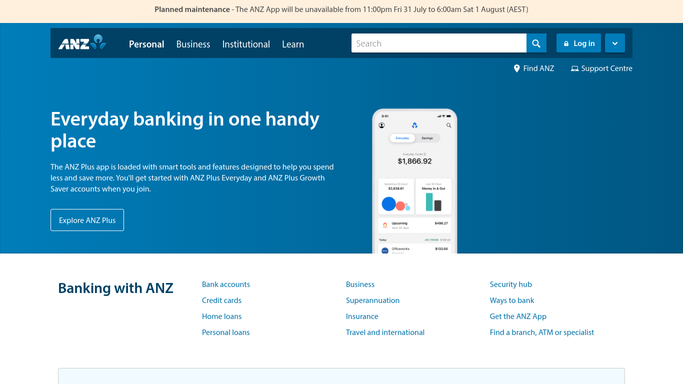
WebRun opens ANZ to read balances and scheduled payments. - Sign in to ANZ internet banking and open each business account you track
- Capture the available balance and the cleared balance for each account
- List the payments already scheduled to leave in the next seven days, with their dates and amounts
Done when Every tracked account has a current balance and its scheduled outgoings for the week.
-
2
Slack - post the daily cash position
slack.com How to Automate Slack

WebRun opens Slack to post the daily cash position. - Post today's cash position to your finance Slack channel, account by account and combined
- Show the change since yesterday and the total scheduled to leave this week
- Give the projected closing balance for each of the next seven days
Done when The finance channel has today's balances, outgoings, and seven day projection.
-
3
Microsoft Teams - warn leadership about the buffer
microsoft.com How to Automate Microsoft Teams

WebRun opens Microsoft Teams to warn leadership about the buffer. - Compare each projected daily balance against the buffer you set
- Post a short warning to your leadership Teams channel naming the account, the date, and the shortfall when the projection dips under it
- Post nothing when every projected balance stays above the buffer, and never move money
Done when Leadership has been warned about any day the buffer would be breached.
How is each run configured?
Secure by default
Connect once, stays signed in
WebRun signs in once and keeps each session in a persistent environment, so every run picks up right where it left off.
Every action is checked against this policy before it runs.
Questions, answered
Can it move money or pay a bill?
No. WebRun is read-only in ANZ. It opens the accounts, reads balances and scheduled payments, and reports them. It never transfers funds, never approves a payment, and never changes a payee.
How is the projection calculated?
It takes today's available balance and subtracts the payments already scheduled in ANZ for each of the next seven days. Nothing is forecast or estimated, so the projection only reflects payments you have already set up.
Who sees the buffer warning?
Only your internal leadership Teams channel, and only on days when a projected balance falls under the buffer you set. A comfortable week produces no warning at all.
Related templates
Put this on autopilot.
Turn it on in minutes - or have our team set it up for you.