Hand off Anima code exports the moment they're ready
Every few hours, WebRun checks for designs marked Ready for Dev, exports clean code for each one using Anima, saves the code bundle to a shared Google Drive folder, and posts a Slack message to the dev team linking straight to it.
- No credit card
- Under $0.01 per run
- Cancel anytime
How do I automatically hand off Anima code exports to my dev team?
WebRun checks every few hours for designs marked Ready for Dev, exports clean code for each one using Anima, and saves the bundle to a shared Google Drive folder. It posts a Slack message to the dev team linking straight to the export, so a finished design turns into a build-ready handoff without a designer chasing anyone down.
- Ready designs turn into exported code within hours, not days
- Developers get a direct link instead of hunting for the latest export
- Broken exports never get handed off as ready by mistake
Built for Product design teams · front-end developers · design systems teams · small product teams
What does WebRun do on every run?
The exact actions WebRun takes, in order - in plain language, so you can adjust anything.
-
WebRun signs in and gets to work
Opens
animaapp.comin a real browser with your saved login - no setup, no API keys. -
1
Anima - export the design as code
animaapp.com
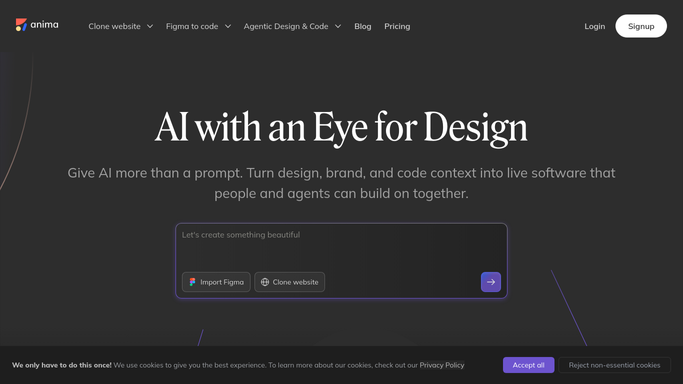
WebRun exports the design as code in Anima. - Open each design marked Ready for Dev
- Run the Anima export to generate the code bundle
- Check the export completed without errors
Done when Every ready design has a generated code bundle.
-
2
Google Drive - save the code bundle
drive.google.com How to Automate Google Drive

WebRun saves the code bundle to Google Drive. - Save each code bundle to the shared handoff folder
- Name the file with the design and date
- Keep prior exports for version history
Done when Every code bundle is saved to Drive.
-
3
Slack - notify the dev team
slack.com How to Automate Slack

WebRun notifies the dev team in Slack. - Post a message to the dev channel naming the design that's ready
- Link to the code bundle in Drive
- Tag the developer assigned to build it
Done when The dev team has a Slack message linking to the new export.
How is each run configured?
Secure by default
Connect once, stays signed in
WebRun signs in once and keeps each session in a persistent environment, so every run picks up right where it left off.
Every action is checked against this policy before it runs.
Questions, answered
Does it deploy the code anywhere?
No. WebRun only exports the code bundle and saves it to Drive. Deploying or merging it stays a manual step for your developers.
What if the export has errors?
It skips notifying the team for that design and flags the error instead, so a broken export never gets handed off as ready.
Can it handle more than one project?
Yes. It exports whatever design is marked Ready for Dev, regardless of which project it belongs to.
Related templates
Put this on autopilot.
Turn it on in minutes - or have our team set it up for you.