See the Adecco roles that actually match you
Every morning, WebRun opens Adecco, runs the searches you saved by location and contract type, keeps a Trello card for each new matching role, and sends you a WhatsApp list of the day's postings with pay and location so you can apply the day a role appears.
- No credit card
- Under $0.01 per run
- Cancel anytime
How do I get a daily digest of new Adecco jobs that match my search?
WebRun runs your saved Adecco searches every morning, capturing new listings that match your location, keyword, and contract-type filters. It keeps a Trello card per role for tracking applications and sends the day's matches to WhatsApp with pay, location, and a link, so an application goes in the day a role appears.
- New matching roles reach you the morning they post
- Every application has a card showing where it stands
- No duplicate listings and no missed closing dates
Built for job seekers · career coaches · recruitment consultants · people between contracts
What does WebRun do on every run?
The exact actions WebRun takes, in order - in plain language, so you can adjust anything.
-
WebRun signs in and gets to work
Opens
www.adecco.comin a real browser with your saved login - no setup, no API keys. -
1
Adecco - run your saved job searches
adecco.com
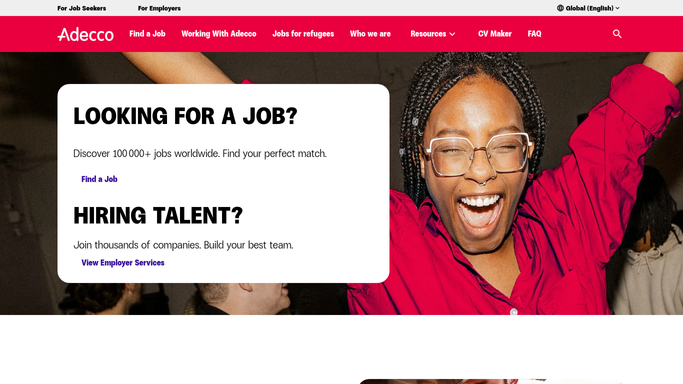
WebRun opens Adecco to run your saved job searches. - Open Adecco and run each saved search with your location, keyword, and contract type filters
- Capture the job title, employer or sector, location, contract type, pay if shown, and the posting date
- Skip listings already sent on an earlier run so only new roles come through
Done when Every new listing matching your filters is captured with its location, contract type, and pay.
-
2
Trello - keep a card per matching role
trello.com How to Automate Trello

WebRun opens Trello to keep a card per matching role. - Create a card per new role in your New list with the title, location, pay, and link
- Move cards you have already applied to into Applied so the board mirrors your real status
- Archive cards for listings that have closed since the last run
Done when The board has a card for every new role and reflects where each application stands.
-
3
WhatsApp - send the day's matches
whatsapp.com How to Automate WhatsApp

WebRun opens WhatsApp to send the day's matches. - Send yourself the day's matches, best fit first, with title, location, contract type, and pay
- Include the direct link to each posting so an application takes one tap
- Say plainly when no new role matched, so a quiet day is never mistaken for a missed run
Done when You have today's matching roles on WhatsApp with links to apply.
How is each run configured?
Secure by default
Connect once, stays signed in
WebRun signs in once and keeps each session in a persistent environment, so every run picks up right where it left off.
Every action is checked against this policy before it runs.
Questions, answered
Will it apply to jobs for me?
No. WebRun reads the listings and hands you the matches. Every application is submitted by you, so nothing goes to an employer without a person deciding to send it.
How does it decide what matches?
It runs the searches you set up: keyword, location, contract type, and any other filter Adecco offers. Change the filters and the next morning's list follows them.
Will I see the same job twice?
No. WebRun remembers what it sent, so each morning's message holds only listings that appeared since the last run, and closed roles are archived on the board.
Related templates
Put this on autopilot.
Turn it on in minutes - or have our team set it up for you.