Get every new joiner into the right groups in week one
When a new member appears in Zoho Connect, WebRun checks which groups, channels, boards, and manuals their role should give them, lists what is still missing, drafts a welcome email in Gmail with their required reading, and sends the team lead a WhatsApp confirmation of what is set up and what needs a click.
- No credit card
- Under $0.01 per run
- Cancel anytime
How do I make sure a new Zoho Connect member joins the right groups?
When a new member is added in Zoho Connect, WebRun reads their role, compares the groups, channels, boards, and required manuals that role expects against what they actually have, drafts a welcome email in Gmail with their reading list, and sends the team lead a WhatsApp summary of what still needs a click.
- Every joiner's group and channel gaps are listed on day one
- Required reading arrives in a drafted welcome email
- No member is added to a group without a human click
Built for team leads · HR teams · internal communications · operations managers
What does WebRun do on every run?
The exact actions WebRun takes, in order - in plain language, so you can adjust anything.
-
WebRun signs in and gets to work
Opens
connect.zoho.comin a real browser with your saved login - no setup, no API keys. -
1
Zoho Connect - check the new member's setup
connect.zoho.com
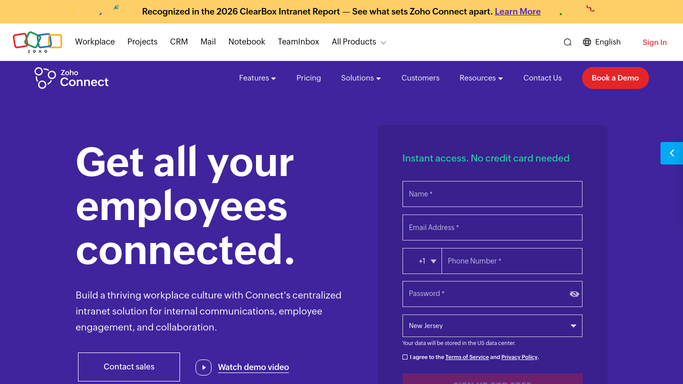
WebRun opens Zoho Connect to check the new member's setup. - Open Zoho Connect and find the member who was just added
- Read their role or department from the member profile
- List the groups, channels, and boards that role should belong to
- Compare against what they actually have and record the gaps
- Note the manuals and announcements marked as required reading for that role
- Add nobody to anything. WebRun reports the gaps and leaves the additions to the team lead
Done when The new member's expected groups, channels, and reading are compared against what they have.
-
2
Gmail - draft the welcome and reading list
gmail.com How to Automate Gmail

WebRun opens Gmail to draft the welcome and reading list. - Draft a short welcome email addressed to the new member
- List the groups and channels they should join and why each one matters
- Link the manuals and announcements they are expected to read in week one
- Save it as a draft for the team lead to review. WebRun sends nothing on its own
Done when A welcome email with their reading list is drafted in Gmail.
-
3
WhatsApp - confirm setup to the team lead
whatsapp.com How to Automate WhatsApp

WebRun opens WhatsApp to confirm setup to the team lead. - Prepare a message to the team lead naming the new member and their role
- List what is already in place and what still needs adding
- Note that the welcome email is drafted and waiting for a read
- Leave the message ready for the team lead to send on to anyone else
Done when The team lead has a one-message summary of the joiner's setup.
How is each run configured?
Secure by default
Connect once, stays signed in
WebRun signs in once and keeps each session in a persistent environment, so every run picks up right where it left off.
Every action is checked against this policy before it runs.
Questions, answered
Will it add people to groups or email the joiner itself?
No. WebRun reports which groups, channels, and boards are missing and drafts the welcome email in Gmail. Adding a member and pressing send both stay with the team lead, so nobody lands in a private group by mistake.
How does it know which groups a role should have?
You give it the mapping once: this role belongs to these groups, channels, and manuals. It reads the new member's role in Zoho Connect and compares against that list every time someone joins.
What if someone joins outside working hours?
The check runs when the member is added and the WhatsApp summary waits for the team lead. Nothing is time-critical, because no message reaches the joiner until a person sends the drafted email.
Related templates
Put this on autopilot.
Turn it on in minutes - or have our team set it up for you.