Export your Wimi tasks into a weekly log
Every Friday, WebRun opens Wimi, reviews every workspace for tasks that were completed or updated that week, logs each one to an Airtable base with its owner and status, and emails the team a short summary of the week through Gmail.
- No credit card
- Under $0.01 per run
- Cancel anytime
How do I get a weekly summary of task activity across my Wimi workspaces?
WebRun opens Wimi every Friday and reviews each workspace for tasks completed or updated that week. It logs every task to an Airtable base with its owner, workspace, and status, then emails the team a short summary through Gmail, so a week of scattered workspace activity turns into one running record and one email nobody has to chase down.
- A running record of task activity builds itself every week
- Teams get one summary email instead of checking every workspace
- Nothing completed this week goes unrecorded
Built for Team leads · project coordinators · small agencies · operations managers
What does WebRun do on every run?
The exact actions WebRun takes, in order - in plain language, so you can adjust anything.
-
WebRun signs in and gets to work
Opens
www.wimi-teamwork.comin a real browser with your saved login - no setup, no API keys. -
1
Wimi - review workspace task activity
wimi-teamwork.com
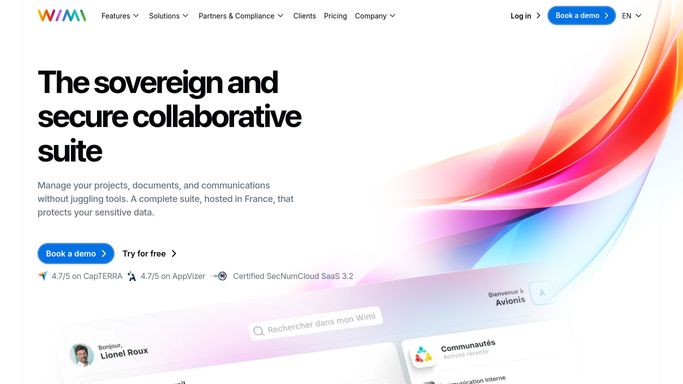
WebRun opens Wimi to review workspace task activity. - Open Wimi and go through each active workspace
- Capture tasks completed or updated since last Friday
- Note the owner, workspace, and current status for each
Done when Every task touched this week across all workspaces is captured.
-
2
Airtable - log the week's tasks
airtable.com How to Automate Airtable

WebRun opens Airtable to log the week's tasks. - Add a row for each task with owner, workspace, and status
- Keep prior weeks in the same base for a running record
Done when This week's task activity is logged in Airtable.
-
3
Gmail - email the weekly summary
gmail.com How to Automate Gmail

WebRun opens Gmail to email the weekly summary. - Draft a short summary of what shipped and what's still open
- Send it to the team distribution list
Done when The weekly Wimi summary has been emailed to the team.
How is each run configured?
Secure by default
Connect once, stays signed in
WebRun signs in once and keeps each session in a persistent environment, so every run picks up right where it left off.
Every action is checked against this policy before it runs.
Questions, answered
Does it change task status in Wimi?
No. WebRun only reads task activity to build the weekly record. Updating, closing, or reassigning a task stays inside Wimi.
Who receives the summary email?
Whichever distribution list or addresses you set up, typically the team or workspace owners. WebRun sends this internal summary automatically since no customer or candidate is involved.
Does it cover every workspace or just one?
Every active workspace you give WebRun access to. Each row in the Airtable log notes which workspace the task belongs to.
Related templates
Put this on autopilot.
Turn it on in minutes - or have our team set it up for you.